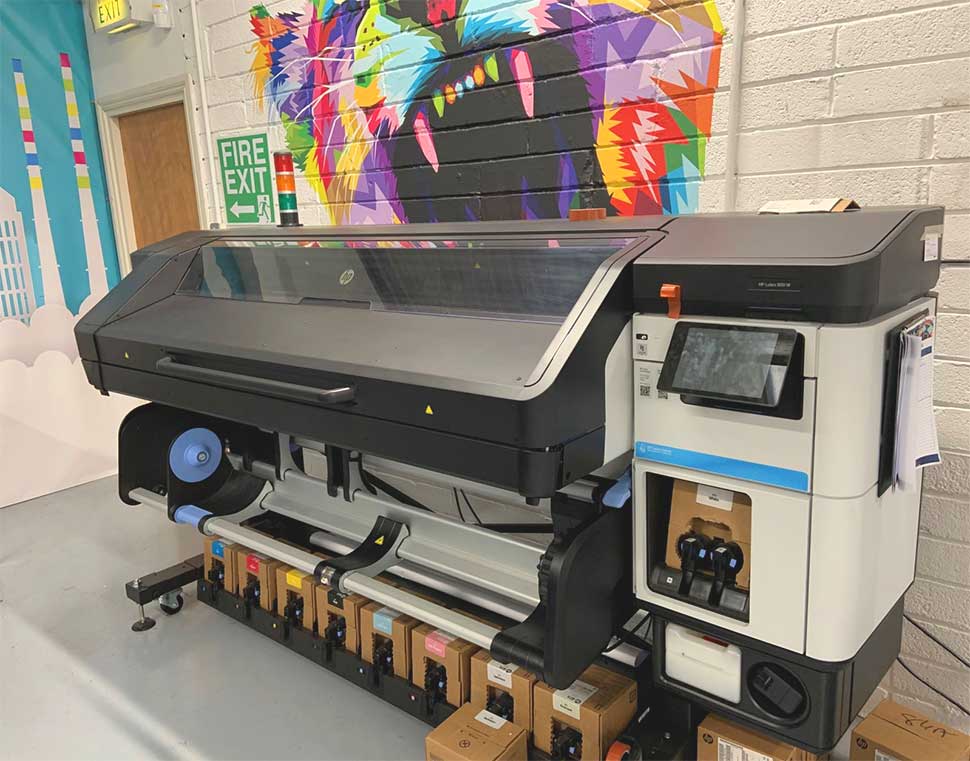

Investing in a latex printing system is a significant decision for any print shop or business. These advanced printers are designed for high-quality output and efficiency, but like any precision equipment, their longevity depends on how well they are maintained and operated. Understanding how to extend printer life in latex systems can help you maximize your return on investment, reduce downtime, and maintain consistent print quality over the years.
In this guide, you’ll find practical strategies for keeping your latex printer running smoothly. We’ll cover essential maintenance routines, best practices for daily use, and tips for optimizing your workflow. For those interested in the durability of latex prints themselves, you might also want to explore how long latex prints last for a deeper understanding of print longevity.
Key Maintenance Practices for Prolonging Latex Printer Lifespan
Regular maintenance is the foundation for ensuring your latex printer operates at peak performance for years. Neglecting routine care can lead to premature wear, increased service costs, and inconsistent output. Here are the most important steps to keep your equipment in optimal condition:
- Clean Printheads and Nozzles Frequently: Latex printers rely on precise ink delivery. Follow the manufacturer’s recommendations for cleaning cycles, and use only approved cleaning solutions. Clogged nozzles can cause streaks, color shifts, and even permanent damage if left unchecked.
- Inspect and Replace Consumables: Regularly check ink cartridges, maintenance cartridges, and wiper blades. Using genuine supplies and replacing them before they’re fully depleted helps prevent ink starvation and mechanical stress.
- Monitor the Print Environment: Latex systems are sensitive to dust, humidity, and temperature. Keep your print room clean, maintain stable environmental conditions, and avoid exposing the printer to direct sunlight or drafts.
- Update Firmware and Software: Manufacturers often release updates that improve performance and resolve bugs. Keeping your system current can extend its usable life and prevent compatibility issues.
Optimizing Daily Operation for Longer Printer Life
Beyond scheduled maintenance, the way you operate your latex printer each day has a direct impact on its durability. Adopting smart habits and following best practices can minimize unnecessary wear and tear.
- Allow Proper Warm-Up and Cool-Down: Latex printers use heat to cure inks. Always let the printer complete its warm-up cycle before starting a job, and avoid shutting down immediately after heavy use to protect heating elements.
- Use Supported Media Types: Stick to media recommended by the manufacturer. Unsupported materials can cause jams, head strikes, or even chemical reactions that harm printer components.
- Schedule Regular Usage: Infrequent use can lead to ink settling or drying in the system. If possible, run small test prints during idle periods to keep ink pathways clear.
- Handle Media Carefully: Load and unload rolls gently to avoid damaging feed mechanisms. Store media in a clean, dry place to prevent dust and debris from entering the printer.
Choosing the Right Supplies and Accessories
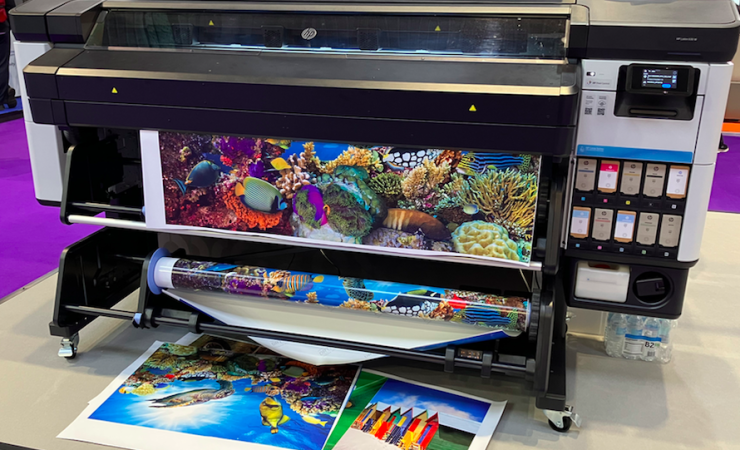
The quality of ink, media, and accessories you use plays a crucial role in the longevity of your latex printer. Using substandard or incompatible supplies can lead to clogs, color inconsistencies, and mechanical failures. Here are some guidelines for selecting the best materials:
- Opt for Genuine Inks: While third-party cartridges may seem cost-effective, they can introduce impurities or incorrect formulations that damage printheads and internal components. Always use manufacturer-approved inks for optimal performance and warranty protection.
- Choose Compatible Media: Media designed for latex printing ensures proper ink adhesion and curing. Using the right substrates also reduces the risk of jams and head strikes.
- Invest in Calibration Tools: A monitor calibrator helps maintain color accuracy across your workflow, reducing the need for reprints and minimizing waste. This not only saves resources but also reduces the load on your printer.
For more advice on achieving the best possible results, see these tips for vibrant latex prints that can help you maintain both quality and efficiency.
Environmental Factors That Impact Printer Longevity
The environment where your latex printer operates can significantly affect its lifespan. Factors such as temperature, humidity, and air quality all play a role in the health of sensitive components.
- Maintain Stable Temperature and Humidity: Extreme fluctuations can cause ink viscosity changes, static buildup, or condensation inside the printer. Aim for manufacturer-recommended ranges.
- Control Dust and Debris: Dust can settle on printheads and moving parts, leading to clogs or mechanical wear. Use air filtration if necessary and clean the surrounding area regularly.
- Ensure Proper Ventilation: Latex printers generate heat and may emit small amounts of vapor during curing. Good airflow prevents overheating and maintains a safe working environment.
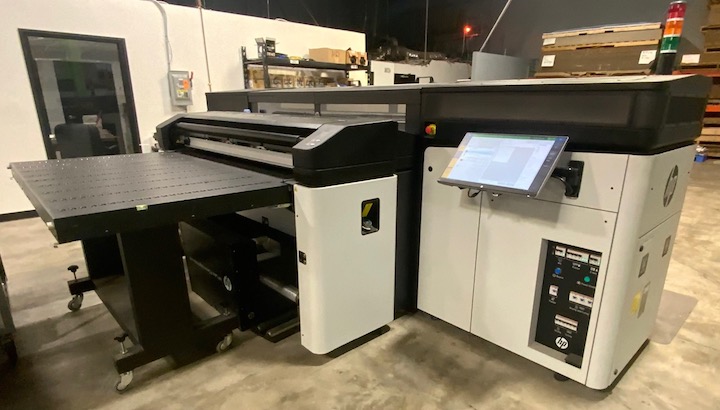
Comparing Latex and Eco-Solvent Printers for Durability
When considering how to maximize the service life of your printer, it’s helpful to understand how latex systems compare to other technologies. For instance, this comparison of latex and eco-solvent printing highlights differences in maintenance needs, printhead longevity, and overall reliability.
Latex printers are known for their water-based inks and lower emissions, which can reduce wear on internal components. However, they still require diligent care and proper operation to achieve their full expected lifespan.
Advanced Tips for Maximizing Latex Printer Service Life
For print professionals looking to get the most out of their investment, here are some advanced strategies:
- Implement a Maintenance Log: Track all cleaning, part replacements, and service calls. This helps identify patterns and address issues before they escalate.
- Calibrate Regularly: Use a monitor calibrator and perform printer color calibrations to ensure consistent output and reduce unnecessary reprints.
- Train Staff Thoroughly: Make sure all operators understand proper loading, cleaning, and troubleshooting procedures. Consistent handling reduces accidental damage.
- Review Print Settings: Use the best resolution for latex printing to balance quality and speed, minimizing mechanical stress and ink consumption.
For more information on how the drying process affects both print quality and equipment, explore the latex printing drying process and its impact on output and maintenance.
Frequently Asked Questions
What is the most important maintenance task for latex printers?
The most critical task is regular printhead cleaning. Keeping printheads free from clogs and residue ensures consistent quality and prevents costly damage. Always follow the manufacturer’s cleaning schedule and use approved cleaning materials.
How often should I replace ink cartridges and maintenance parts?
Replace ink cartridges and maintenance components as soon as the printer notifies you or when print quality declines. Using genuine supplies and not waiting until parts are completely exhausted helps avoid unnecessary strain on the system.
Does the environment really affect printer longevity?
Yes, environmental conditions like temperature, humidity, and dust levels can significantly impact the lifespan of latex printers. Maintaining a clean, stable environment reduces the risk of mechanical issues and print defects.
Can using third-party inks shorten my printer’s life?
Using non-genuine inks can introduce impurities or incorrect formulations that may clog printheads or damage internal components. For maximum longevity and warranty protection, always use manufacturer-approved inks.
How can I ensure my latex prints last as long as possible?
Along with proper printer care, selecting the right media and following recommended curing and drying procedures will help your prints stay vibrant and durable. For more details, see this guide on weather resistance of latex prints for outdoor use.