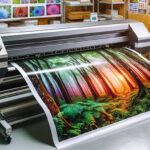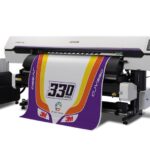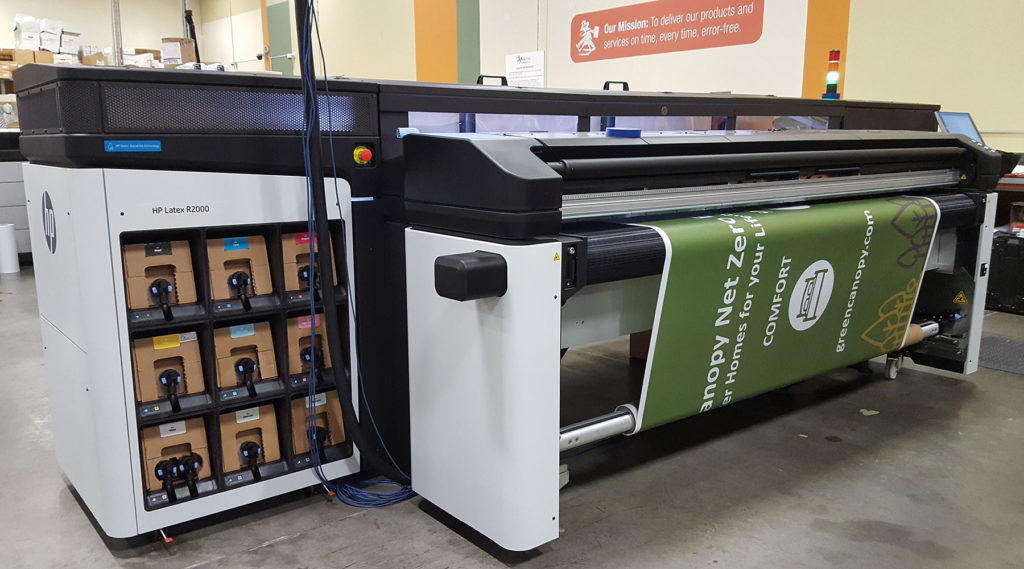

Achieving precise and vibrant results with latex printers depends on more than just the machine and ink. The way you get your media ready before printing is a critical step that can make or break the final output. Whether you’re working with banners, vinyl, textiles, or specialty substrates, understanding how to prepare media for latex printing ensures consistent color, sharp details, and long-lasting prints.
This guide covers the essential steps and best practices for prepping your materials, from handling and storage to cleaning and calibration. If you’re new to latex printing or want to refine your workflow, these tips will help you avoid common pitfalls and get the most out of your equipment.
For a deeper understanding of which materials are best suited for this technology, see our guide on what substrates work with latex printing.
Understanding the Importance of Media Preparation
Properly prepping your print media is the foundation of a successful latex print job. Skipping or rushing this process can lead to issues like poor adhesion, color shifts, banding, or even costly reprints. Each type of substrate—whether it’s paper, vinyl, fabric, or film—has its own quirks and requirements. Taking the time to address these factors is essential for professional results.
Key Steps to Prepare Media for Latex Printing
1. Handling and Storage of Print Media
The way you store and handle your materials directly impacts print quality. Always keep media in its original packaging until you’re ready to use it. Store rolls or sheets in a clean, dry environment, away from direct sunlight and extreme temperatures. Humidity can cause warping or curling, while dust and debris may lead to print defects.
- Store media vertically or on racks to prevent pressure marks.
- Let media acclimate to the print room’s temperature and humidity for several hours before printing.
- Wear clean gloves when handling to avoid fingerprints or oils transferring to the surface.
2. Surface Cleaning and Inspection
Even if your media looks clean, invisible dust or static can interfere with ink adhesion. Before loading, gently wipe the print side with a lint-free cloth. For stubborn debris, use a recommended cleaning solution that won’t leave residues.
- Inspect for scratches, dents, or manufacturing defects before printing.
- Remove any static using an anti-static brush or ionizer, especially for plastic-based substrates.
3. Pre-Printing Tests and Calibration
To ensure color accuracy and sharpness, regularly calibrate your printer and monitor. Use a monitor calibrator to maintain color consistency from screen to print. Run a small test print on the chosen media to check for color shifts, banding, or ink pooling.
If you notice any issues, adjust your printer settings or consult your RIP software for optimal profiles. For more advice on optimizing printer settings, refer to our article on how to choose latex printer settings.
4. Media Loading and Alignment
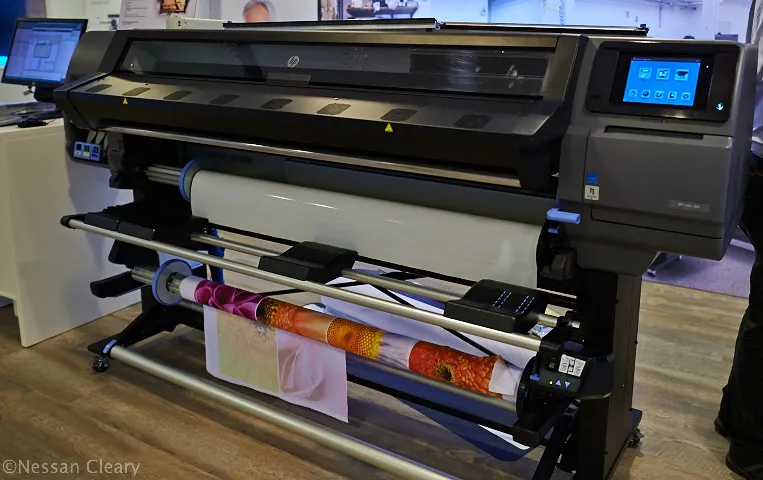
Correctly loading your media is crucial for avoiding skewing, head strikes, or wasted material. Follow your printer’s instructions for loading rolls or sheets, ensuring the media is straight and taut. Use the printer’s alignment tools or marks to verify positioning.
- Check that the media is feeding smoothly and not wrinkling or buckling.
- Secure the leading edge to prevent shifting during the print run.
5. Environmental Considerations
The print room environment plays a significant role in latex printing. Maintain stable temperature and humidity levels as recommended by your printer and media manufacturer. Sudden changes can cause media to expand or contract, affecting registration and color.
- Use a hygrometer and thermometer to monitor conditions.
- Keep the area free from dust and airborne contaminants.
Choosing the Right Media for Latex Printing
Not all substrates are created equal. Some are specifically engineered for latex inks, while others may require special coatings or primers. Always consult your printer’s compatibility list and test new materials before committing to a large run.
For recommendations on the best materials for latex printing, explore our detailed guide.
Common Mistakes to Avoid When Prepping Media
- Skipping acclimatization: Printing on cold or damp media can cause warping and ink issues.
- Neglecting cleaning: Dust and oils lead to print defects and poor adhesion.
- Improper loading: Misaligned media results in skewed prints and wasted material.
- Ignoring calibration: Failing to calibrate leads to color mismatches and inconsistent results.
If you encounter issues during printing, such as color banding or ink smudging, check out our troubleshooting resource on common latex printing problems for practical solutions.
Additional Tips for Reliable Latex Printing Results
- Keep a log of media types, lot numbers, and storage conditions for quality control.
- Regularly update printer firmware and RIP software for optimal compatibility.
- Consult with media suppliers for the latest recommendations and technical sheets.
- Stay informed about the differences between latex and other ink technologies. For a comparison, see this in-depth article on latex vs. eco-solvent printing.
FAQ: Media Preparation for Latex Printing
What is the best way to store print media before using it in a latex printer?
Store your media in its original packaging in a clean, dry, and temperature-controlled environment. Avoid direct sunlight and keep rolls upright or on racks to prevent damage. Let the media acclimate to the print room’s conditions before printing.
How do I know if my media is compatible with latex inks?
Check the manufacturer’s specifications for both your printer and the media. Many suppliers provide compatibility charts. Testing a small sample before a full print run is always recommended. For more details, review our guide on what substrates work with latex printing.
Why is calibration important before starting a print job?
Calibration ensures that colors on your monitor match the printed output and that the printer lays down ink accurately. Regular calibration of both your monitor and printer helps maintain consistency and prevents costly errors.
What should I do if I encounter print defects after preparing my media?
Double-check your cleaning, alignment, and environmental conditions. If problems persist, consult our troubleshooting resource on troubleshooting latex printer issues for step-by-step solutions.