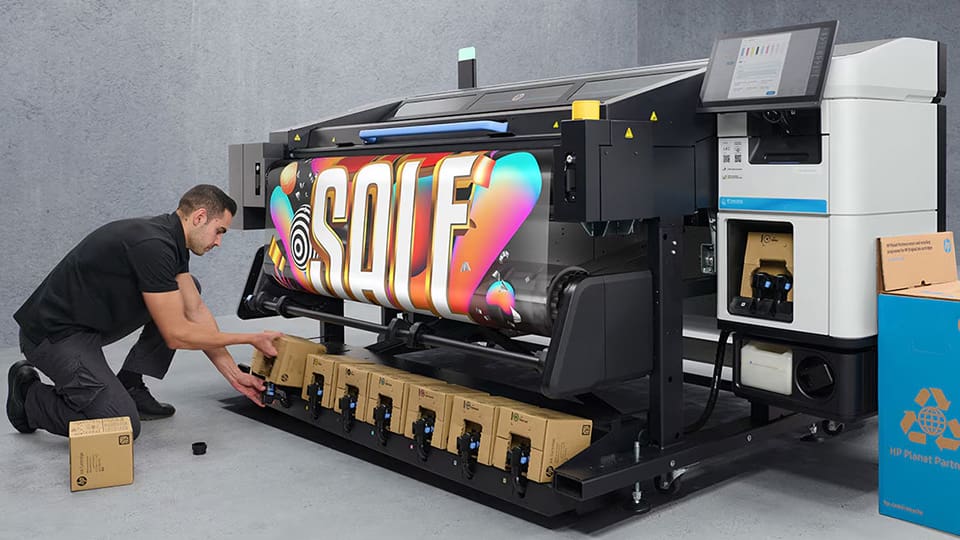

Achieving high-speed output with latex printing technology is a top priority for many print shops and professionals. However, increasing speed often raises concerns about potential compromises in image sharpness, color accuracy, or overall print quality. The good news is that with the right workflow adjustments, equipment settings, and maintenance habits, you can significantly boost productivity without sacrificing the professional results your clients expect.
This guide explores proven strategies to optimize your latex printer for faster throughput while maintaining the vibrant, durable results that set latex prints apart. Whether you’re running a busy sign shop or expanding your graphics business, these tips will help you streamline operations and get the most from your equipment.
For those interested in the durability aspect of latex prints, you may want to explore how long latex prints last for a deeper understanding of longevity and maintenance.
Understanding the Balance Between Speed and Print Quality
When aiming to increase latex printer speed, it’s essential to understand the delicate balance between throughput and output quality. Latex technology is known for its versatility and eco-friendliness, but like any printing system, pushing the limits of speed can sometimes introduce banding, color inconsistencies, or reduced sharpness.
The key is to identify which settings and workflow steps can be safely optimized for faster production, and which should remain unchanged to preserve your desired quality standards.
Optimizing Printer Settings for Higher Throughput
The most direct way to print more quickly is by adjusting your printer’s internal settings. Here are several areas to focus on:
- Choose the Right Print Mode: Most latex printers offer multiple print modes (e.g., draft, production, high-quality). For many applications, the production mode provides a strong balance of speed and quality. Reserve high-quality modes for jobs where ultra-fine detail is required.
- Adjust Pass Count: Reducing the number of passes can increase speed, but test to ensure your chosen media and ink combination still delivers acceptable results.
- Optimize Ink Density: Lowering ink density can speed up drying and reduce the risk of smudging, especially useful for banners or signage viewed from a distance.
- Fine-Tune Dryer and Curing Settings: Increasing dryer temperature or airflow can help ink cure faster, allowing for higher print speeds. Always follow manufacturer guidelines to avoid damaging media.
For more details on achieving vivid results at any speed, see these tips for vibrant latex prints.
Media Selection and Preparation for Efficient Latex Printing
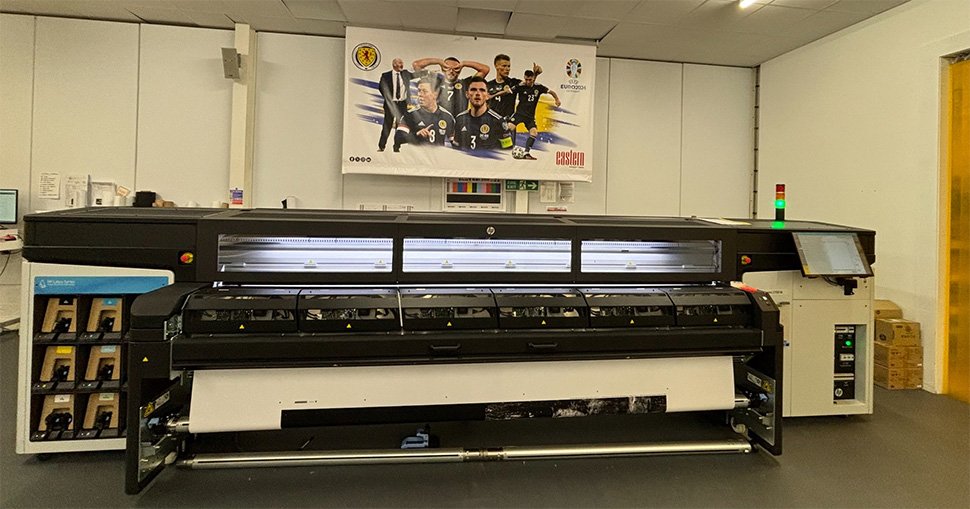
The type of media you use can have a significant impact on both speed and quality. Some substrates are more receptive to latex inks and dry faster, allowing for higher throughput. Consider the following:
- Use Certified Media: Many manufacturers provide lists of media tested for compatibility and optimal performance with their latex printers.
- Pre-Load and Pre-Heat: Allowing media to acclimate to the print room’s temperature and humidity can prevent warping and ensure consistent feeding, reducing interruptions.
- Monitor Media Tension: Proper tensioning prevents head strikes and misalignment, which can slow down production and cause reprints.
For a technical look at how ink dries and cures, review the latex printing drying process to better understand how to tweak your workflow for speed.
Workflow and File Preparation Tips to Maximize Speed
Optimizing your digital workflow is just as important as printer settings. Here’s how to keep your jobs moving:
- Use Efficient RIP Software: Modern RIPs can process files faster and offer advanced nesting, color management, and queue management features.
- Preflight Files: Ensure all files are correctly sized, color profiles are embedded, and fonts are outlined to avoid delays.
- Batch Similar Jobs: Grouping jobs with the same media and print settings minimizes changeover time.
- Calibrate Monitors and Printers: Regular calibration ensures color accuracy at higher speeds. Consider using a monitor calibrator for consistent results.
For guidance on achieving sharp results, see the best resolution for latex printing to ensure your files are optimized for both speed and clarity.
Maintenance Habits That Support Faster Latex Printing
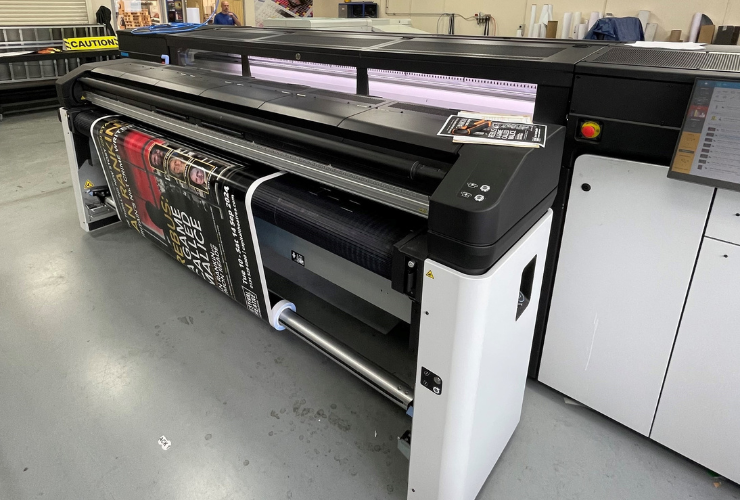
Regular maintenance is crucial for keeping your latex printer running at peak efficiency. Neglecting upkeep can lead to clogs, misalignments, and other issues that slow down production or force reprints.
- Clean Printheads Frequently: Automated cleaning cycles and manual checks prevent streaks and banding.
- Replace Consumables on Schedule: Worn wipers, capping stations, and ink cartridges can all impact speed and quality.
- Update Firmware: Manufacturers often release updates that improve speed, reliability, and compatibility with new media.
For more on how latex prints perform outdoors, see the guide on weather resistance of latex prints.
Choosing the Right Equipment and Supplies
Not all latex printers are created equal. Newer models often feature improved printheads, faster drying systems, and advanced automation. When considering an upgrade or expansion, look for features that directly impact speed without lowering quality.
- High-Speed Printheads: These allow for faster ink laydown and improved precision.
- Automated Media Handling: Reduces manual intervention and speeds up job turnaround.
- Quality Inks and Cartridges: Genuine supplies ensure consistent performance at higher speeds.
For a comprehensive overview of latex technology and its business benefits, see this introduction to latex printers and their advantages.
Frequently Asked Questions
What print mode should I use for the best speed and quality balance?
Production or standard modes typically offer the best compromise between speed and image fidelity. Reserve high-quality modes for jobs requiring maximum detail.
How can I prevent banding when printing at higher speeds?
Regular printhead cleaning, proper media selection, and ensuring correct pass count settings all help minimize banding. Test new settings on sample prints before running large jobs.
Does using third-party inks affect print speed or quality?
Third-party inks can sometimes lead to inconsistent results or slower drying times. For optimal speed and reliability, use manufacturer-recommended inks and cartridges.
Are there ways to speed up drying without damaging prints?
Yes, increasing dryer temperature or airflow (within manufacturer guidelines) can help. Also, select media designed for rapid latex ink absorption.
Conclusion
By combining smart printer settings, careful media selection, efficient workflow practices, and regular maintenance, you can achieve faster output with latex printers while maintaining the professional quality your clients expect. Continual testing and incremental adjustments are key—always monitor results and don’t hesitate to consult your printer’s documentation or supplier for model-specific advice.