

“`html
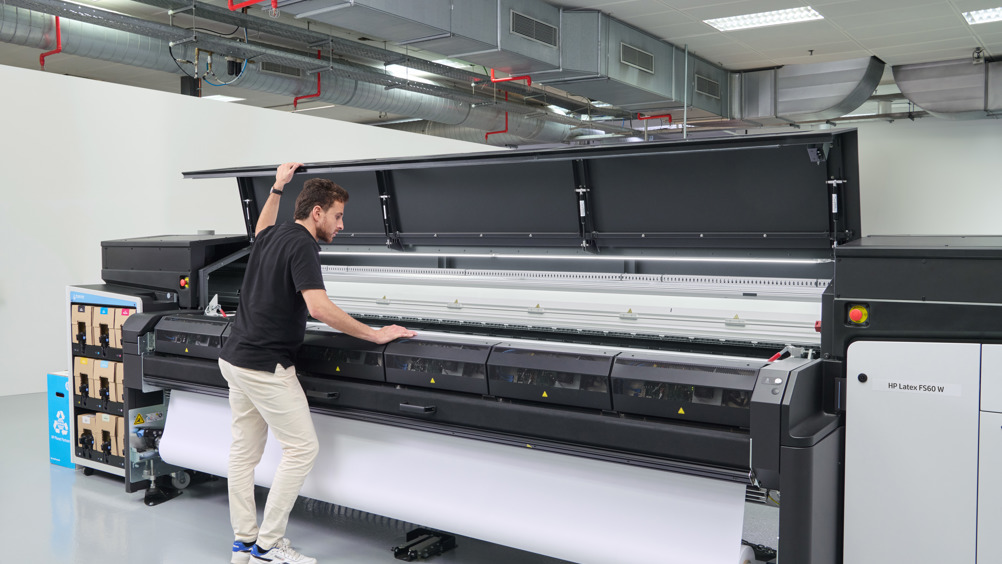
Achieving precise color output with latex printers requires meticulous profile management. This process involves calibrating your printer settings to ensure that the colors you see on your screen match the final printed product. Proper management of color profiles not only enhances the quality of your prints but also saves time and resources by reducing the need for reprints.
Before diving into the specifics of managing profiles for latex printers, it’s beneficial to understand the broader context of printing technologies. For instance, comparing latex and eco-solvent printing can provide insights into the advantages of each method.
For those interested in sustainable printing practices, exploring what is carbon neutral printing can be a valuable addition to your knowledge base.
Understanding Color Profiles
Color profiles are essential in ensuring that the colors you intend to print are accurately reproduced. They serve as a bridge between your digital files and the physical prints, translating color data into a format that your printer can understand. This is particularly crucial for latex printers, which are known for their vibrant and durable prints.
Steps to Effective Profile Management
To manage profiles effectively, follow these steps:
- Calibration: Regularly calibrate your monitor and printer to ensure consistency in color output. Using a monitor calibrator can significantly improve the accuracy of your color profiles.
- Software Utilization: Leverage software tools that assist in creating and managing profiles. These tools can automate much of the process, making it easier to maintain accurate color reproduction.
- Regular Updates: Keep your printer’s firmware and drivers updated. Manufacturers often release updates that improve color management capabilities.
Common Challenges and Solutions
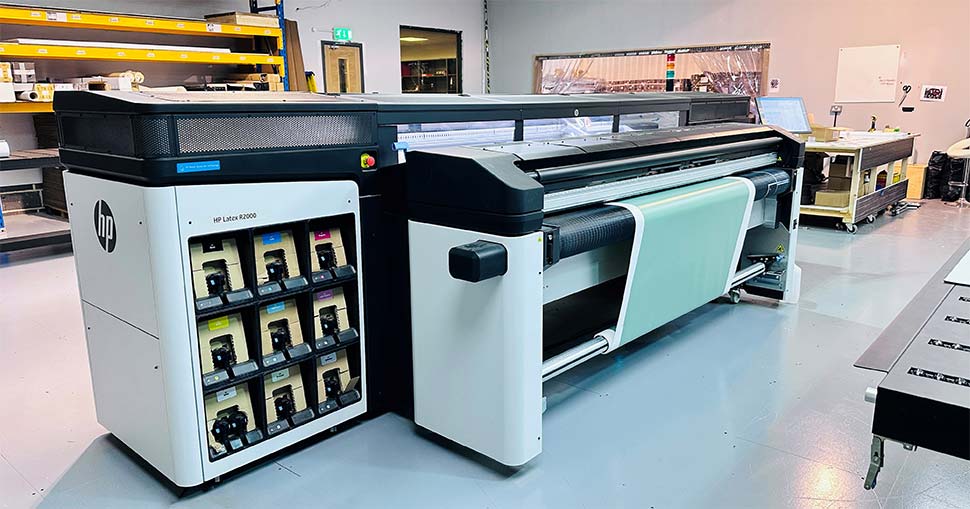
While managing profiles for latex printers, you may encounter several challenges:
- Color Shifts: These occur when the printed colors do not match the expected outcome. Regular calibration and profile updates can mitigate this issue.
- Profile Incompatibility: Ensure that the profiles you use are compatible with your printer model and the specific media you are printing on.
- Environmental Factors: Temperature and humidity can affect print quality. Maintain a controlled environment to ensure consistent results.
Integrating Advanced Techniques
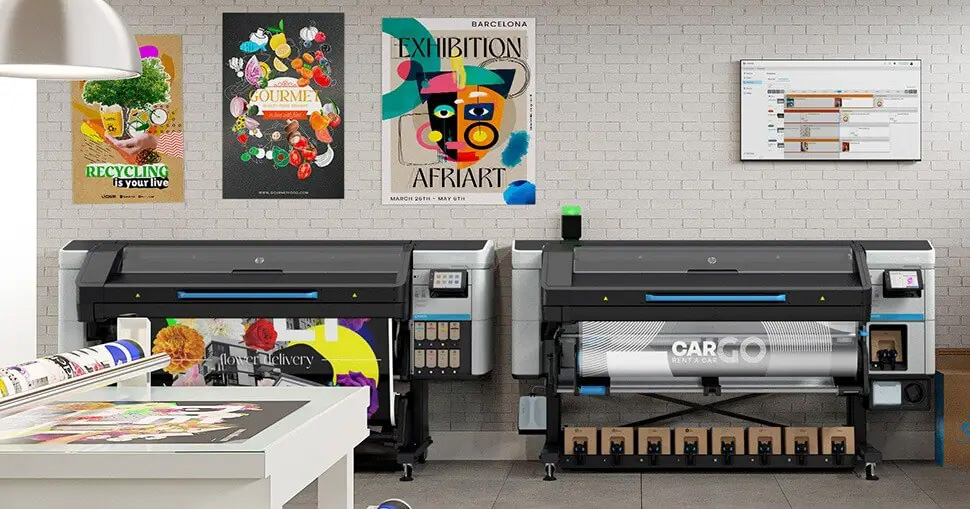
For those looking to push the boundaries of print quality, consider integrating advanced techniques such as augmented reality in your designs. This not only enhances the visual appeal but also provides an interactive experience for the end-user. Learn more about how to incorporate augmented reality in packaging to stay ahead in the competitive market.
FAQs
What is a color profile?
A color profile is a set of data that characterizes a color input or output device, ensuring that the colors are consistent across different devices.
Why is calibration important for latex printers?
Calibration ensures that the colors displayed on your monitor match the colors printed by your printer, reducing discrepancies and improving print quality.
How often should I update my printer’s firmware?
It’s recommended to check for updates regularly, as manufacturers release updates to enhance performance and improve color management capabilities.
“`




