

“`html
Achieving smooth and professional-quality results in latex printing can sometimes be challenging due to the occurrence of banding. Banding refers to the unwanted horizontal lines that appear across the print, often caused by inconsistencies in the printing process. Understanding how to minimize these imperfections is crucial for anyone looking to produce high-quality prints.
In this guide, we’ll explore effective strategies to address and reduce banding issues in latex printing. By following these steps, you can ensure that your prints are not only visually appealing but also meet the high standards expected in professional settings. For those interested in sustainable printing practices, you might also want to learn about what is carbon neutral printing.
Understanding the Causes of Banding
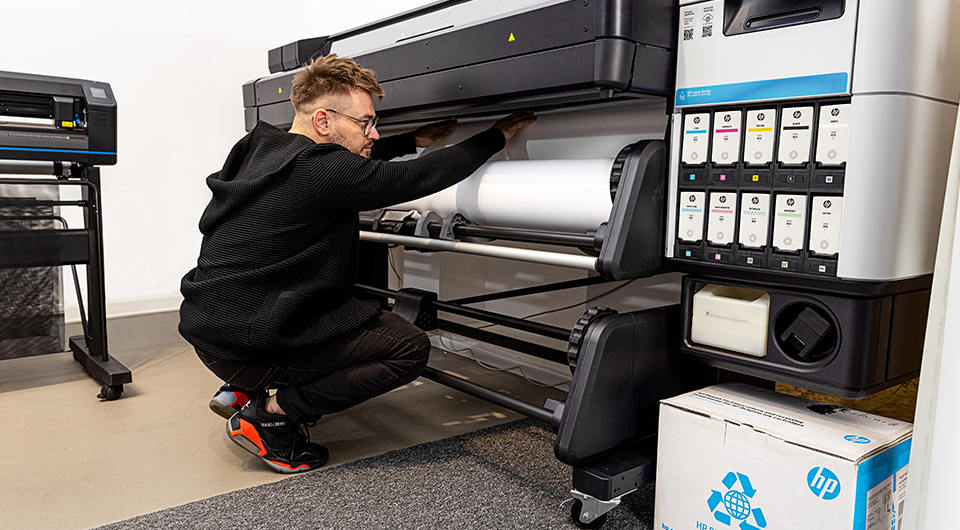
Before diving into solutions, it’s important to understand what causes banding in latex prints. Common causes include improper printhead alignment, inconsistent media feed, and incorrect print settings. Each of these factors can contribute to the appearance of horizontal lines, disrupting the smoothness of the print.
Printhead Alignment
One of the primary causes of banding is misalignment of the printhead. Ensuring that the printhead is correctly aligned is crucial for achieving consistent print quality. Regular maintenance and calibration can help prevent alignment issues.
Media Feed Issues
Another factor that can lead to banding is the media feed. If the media is not fed consistently through the printer, it can result in uneven prints. Checking the tension and ensuring that the media is loaded correctly can help mitigate this issue.
Adjusting Print Settings for Better Results
Adjusting your printer settings can significantly impact the quality of your prints. Here are some settings to consider:
- Resolution: Increasing the print resolution can help reduce banding by providing more detail and smoother gradients.
- Speed: Slowing down the print speed can allow for more precise ink application, reducing the likelihood of banding.
- Ink Density: Adjusting the ink density can help achieve more uniform coverage, which can minimize banding.
Regular Maintenance and Calibration
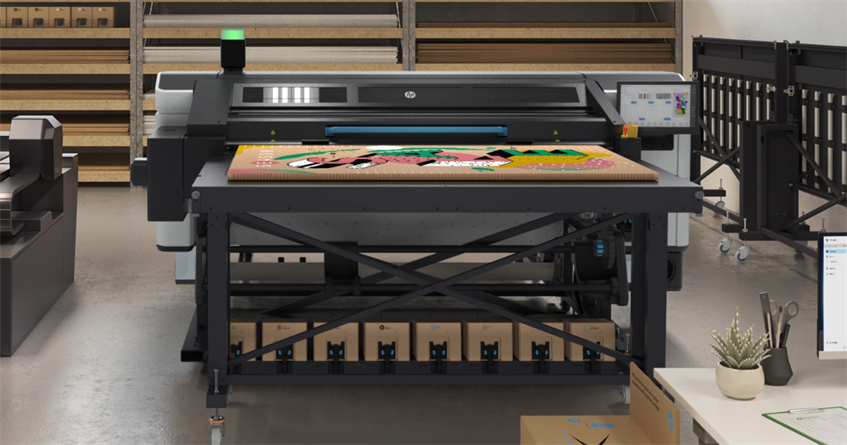
Regular maintenance and calibration of your printer are essential for preventing banding. This includes cleaning the printheads, checking for software updates, and performing routine calibrations. Keeping your equipment in top condition ensures consistent print quality.
Cleaning Printheads
Over time, printheads can become clogged with dried ink, leading to banding. Regular cleaning can prevent this issue and maintain the quality of your prints.
Software Updates
Manufacturers often release software updates that can improve printer performance and address common issues like banding. Keeping your printer’s software up to date can help optimize its functionality.
Advanced Techniques for Eliminating Banding
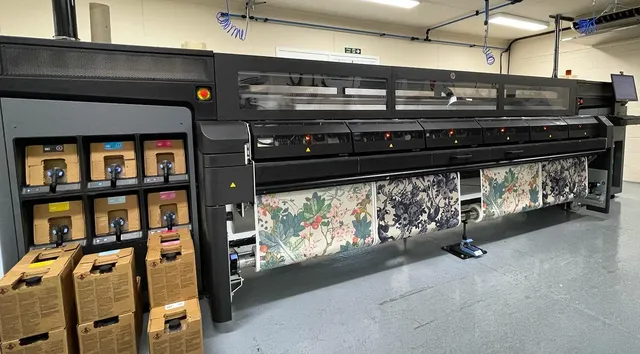
For those still experiencing banding despite following the above steps, advanced techniques may be required. These include using specialized software to enhance print quality and consulting with professionals for personalized advice.
Software Solutions
There are software solutions available that can help optimize print settings and reduce banding. These tools analyze your prints and suggest adjustments to improve quality.
Professional Consultation
If banding persists, consulting with a professional can provide insights specific to your equipment and printing needs. Professionals can offer tailored solutions that address the root causes of banding in your setup.
For more insights into printing technology, you can explore the differences between latex and digital printing.
Frequently Asked Questions
What Causes Banding in Latex Prints?
Banding is often caused by printhead misalignment, inconsistent media feed, and incorrect print settings. Regular maintenance and calibration can help prevent these issues.
How Can I Improve the Quality of My Latex Prints?
Improving print quality involves adjusting print settings such as resolution, speed, and ink density, as well as ensuring regular maintenance and calibration of your printer.
Are There Software Tools to Help Reduce Banding?
Yes, there are software tools designed to optimize print settings and reduce banding. These tools analyze your prints and suggest adjustments to enhance quality.
“`




