
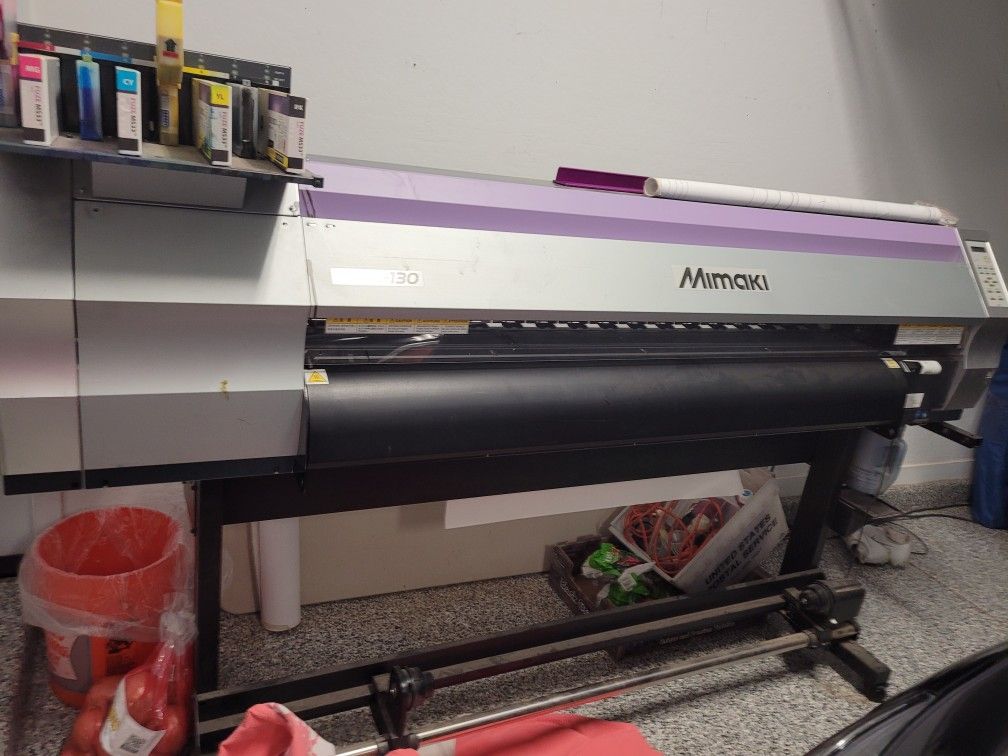

Keeping your printer running efficiently and producing high-quality prints requires regular maintenance, especially when using eco solvent inks. Refilling these inks properly not only extends the life of your equipment but also ensures consistent color and performance. This comprehensive guide will walk you through each stage of the process, highlight essential safety tips, and offer practical advice for both beginners and experienced users.
Understanding the nuances of eco solvent ink refilling can help you avoid common pitfalls, reduce costs, and maintain vibrant, durable prints. For those interested in the science behind these inks, you may also want to explore the eco solvent ink nano pigment technology, which provides deeper insights into pigment stability and print longevity.
Understanding Eco Solvent Ink and Its Benefits
Eco solvent inks are specially formulated to offer vibrant colors, excellent durability, and lower environmental impact compared to traditional solvent inks. They are widely used for indoor and outdoor signage, vehicle wraps, and banners. The main advantages include:
- Low VOC emissions, making them safer for indoor use and better for the environment.
- Compatibility with a wide range of media, including vinyl, canvas, and fabric.
- Resistance to scratching, fading, and water, ensuring long-lasting prints.
- Reduced odor compared to standard solvent inks.
For a deeper dive into the chemistry and formulation, the eco solvent ink formulation guide explains how these inks are engineered for performance and sustainability.
Preparing for the Ink Refill Process
Before starting, gather all necessary materials and ensure your workspace is clean and well-ventilated. Here’s what you’ll need:
- Compatible eco solvent ink bottles
- Protective gloves and, if possible, safety glasses
- Lint-free cloths or paper towels for spills
- A small funnel or syringe for precise pouring
- Waste container for old ink or cleaning fluid
Always check your printer’s manual for specific instructions related to your model. Some printers have built-in refill systems, while others require manual access to the ink tanks or cartridges.
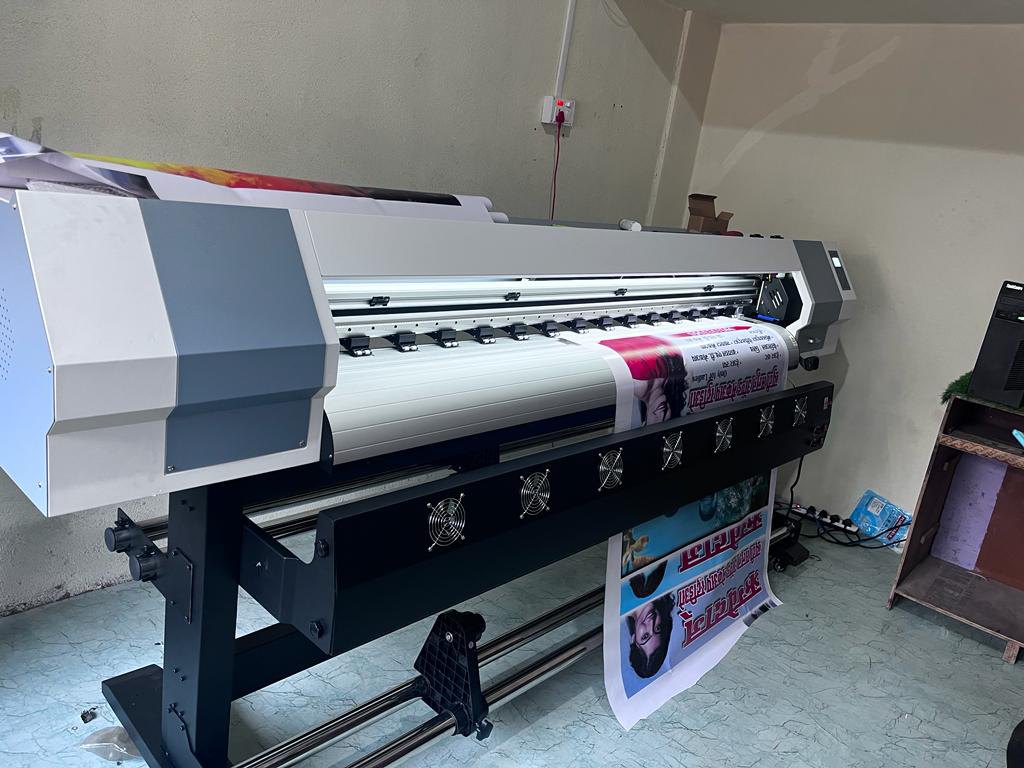
Step-by-Step Instructions for Refilling Eco Solvent Ink
1. Power Down and Prepare the Printer
Turn off your printer and unplug it from the power source. Allow it to cool down if it has been in use. This reduces the risk of accidental spills or electrical issues during the refill process.
2. Access the Ink Tanks or Cartridges
Open the printer’s access panel to locate the ink tanks or cartridges. If your printer uses cartridges, carefully remove them and place them on a protected surface. For tank systems, identify the fill ports.
3. Clean the Surrounding Area
Use a lint-free cloth to wipe away any dust or dried ink around the fill ports. Keeping the area clean helps prevent contamination and ensures a smooth refill.
4. Refill the Ink
Shake the eco solvent ink bottle gently to mix the contents. Open the bottle and use a funnel or syringe to slowly pour the ink into the tank or cartridge. Avoid overfilling—most tanks have a maximum fill line. If you spill any ink, wipe it up immediately.
5. Reassemble and Test
Once refilling is complete, securely close all caps and reinsert cartridges if necessary. Plug the printer back in and power it on. Run a cleaning cycle or nozzle check to ensure ink is flowing properly and there are no air bubbles in the system.
For more details on ink composition and performance, the eco solvent ink chemical composition guide offers valuable background.
Tips for Safe and Effective Refilling
- Always wear gloves to protect your skin from ink stains and chemicals.
- Work in a well-ventilated area to minimize inhalation of fumes.
- Label each ink bottle and tank to prevent color mixing errors.
- Dispose of old ink and cleaning materials according to local regulations.
- Keep ink bottles tightly sealed when not in use to prevent evaporation and contamination.
If you’re comparing different ink brands or want to ensure you’re using the best option for your printer, the eco solvent ink quality comparison resource provides side-by-side evaluations.
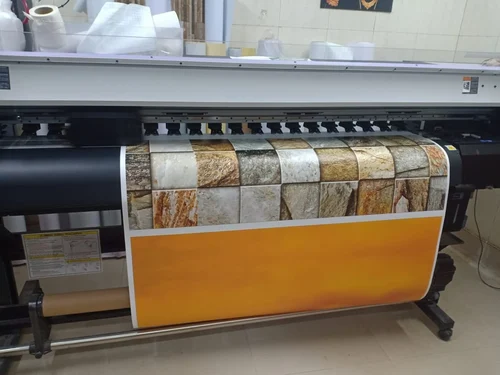
Common Issues and Troubleshooting
Even with careful handling, you may encounter some challenges during the refill process. Here are a few common problems and solutions:
- Ink not recognized: If your printer doesn’t detect the refilled cartridge, try reseating it or resetting the printer. Some models require a chip resetter.
- Poor print quality: Run a cleaning cycle or nozzle check. Persistent issues may indicate clogged print heads, which can often be resolved with a manufacturer-recommended cleaning solution.
- Leaks or spills: Double-check that all caps and seals are tight. Clean any spills immediately to prevent damage to printer components.
- Color mismatches: Always use the correct color in each tank or cartridge. Mixing up colors can lead to costly mistakes and require extensive cleaning.
For more on the applications and advantages of these inks in commercial settings, see this detailed overview of eco solvent printing for advertising.
Maintaining Your Printer After Refilling
Regular maintenance is key to maximizing the lifespan of your printer and ensuring optimal print results. After each refill:
- Run a test print to confirm proper ink flow and color accuracy.
- Keep the printer clean, especially around the print heads and ink ports.
- Store unused ink in a cool, dry place away from direct sunlight.
- Schedule periodic deep cleaning cycles as recommended by the manufacturer.
Staying proactive with maintenance can help you avoid costly repairs and downtime, keeping your printing operation smooth and reliable.
Frequently Asked Questions
How often should I refill eco solvent ink tanks?
The frequency depends on your print volume and the size of your ink tanks. For most users, a refill is needed when the ink level approaches the minimum mark. Regularly check levels to avoid running dry, which can damage print heads.
Can I mix different brands of eco solvent ink?
It’s best to avoid mixing brands, as formulations may differ and could cause clogging or inconsistent print quality. Always use the same brand and type of ink for each refill cycle.
What should I do if I spill ink during refilling?
Immediately clean up spills with a lint-free cloth and dispose of waste materials properly. Avoid letting ink dry on printer components, as it can be difficult to remove and may affect performance.
Is it safe to refill eco solvent ink at home?
Yes, as long as you follow safety precautions such as wearing gloves, working in a ventilated area, and handling inks carefully. Always consult your printer’s manual for model-specific guidance.
Conclusion
Mastering the process of refilling eco solvent inks can save money, reduce waste, and ensure your prints remain vibrant and durable. By following the steps outlined above and maintaining your equipment, you’ll get the most from your printing investment. For further reading on pigment technology and ink performance, the eco solvent ink pigment technology overview is a valuable resource.


