
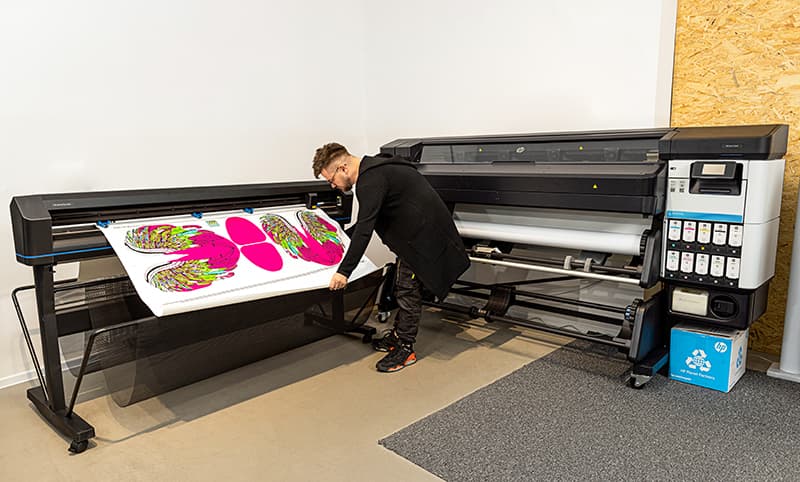

Achieving color consistency in latex printing is essential for professional print providers, designers, and anyone who relies on accurate color reproduction. Inconsistent colors can lead to wasted materials, dissatisfied clients, and costly reprints. Whether you’re producing banners, signage, or packaging, understanding how to maintain color consistency in latex prints helps ensure your output matches expectations every time.
This article explores practical steps and best practices to help you deliver reliable, repeatable color results. We’ll cover calibration, profiling, substrate selection, environmental factors, and workflow tips. If you’re interested in related topics like trends in wood-grain and natural textures on print, you’ll find that many of the same principles apply to specialty and decorative applications as well.
Understanding Color Management in Latex Printing
Latex printing technology uses water-based inks and advanced printheads to deliver vibrant, durable images. However, the process introduces variables that can affect color output. To achieve consistent color in latex printing, you need to manage the entire workflow, from digital file preparation to final print inspection.
Key factors influencing color consistency include:
- Monitor and printer calibration
- Color profiles (ICC profiles)
- Ink and media compatibility
- Environmental conditions (temperature, humidity)
- Regular maintenance and quality control
Monitor and Printer Calibration: The Foundation of Consistency
One of the first steps to reliable color output is ensuring your monitor and printer are both properly calibrated. If your display doesn’t show accurate colors, you can’t make informed adjustments to your print files. Use a hardware calibrator to set your monitor’s brightness, contrast, and color temperature. This ensures what you see on screen closely matches what your printer can reproduce.
Printer calibration is equally important. Most latex printers offer built-in calibration routines that align printheads and optimize color output. Run these routines regularly, especially after changing ink cartridges or media types. For best results, use the manufacturer’s recommended calibration tools and follow their guidelines.
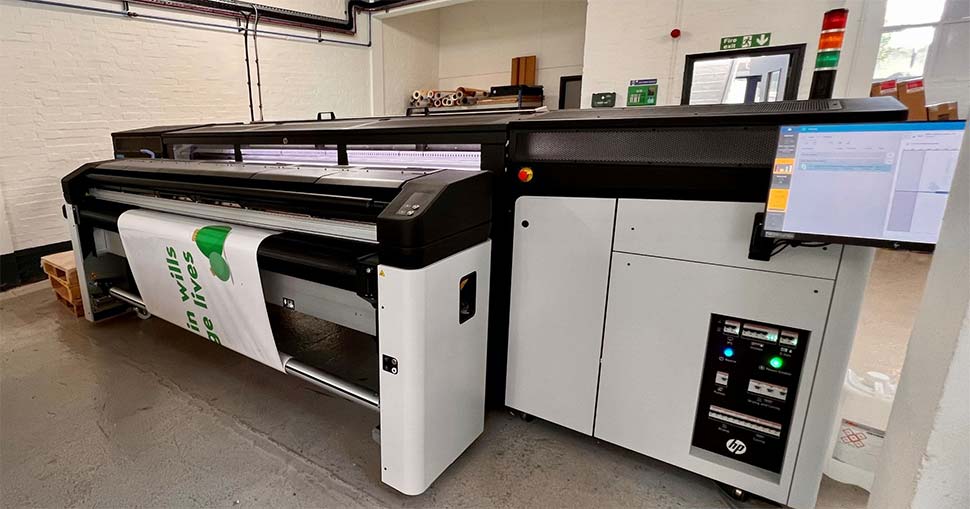
Using ICC Profiles for Latex Printing
ICC profiles are digital “maps” that translate colors from your design software to your printer and media. Using the correct profile ensures that colors are interpreted accurately throughout the workflow. Most latex printer manufacturers provide downloadable ICC profiles for common substrates. If you use specialty or third-party media, you may need to create custom profiles using a spectrophotometer.
To optimize color accuracy in latex prints:
- Select the correct ICC profile for your printer, ink set, and media in your RIP (Raster Image Processor) software.
- Embed the profile in your print files to maintain consistency across different devices and operators.
- Update profiles when you switch to new ink batches or media lots.
For more on the advantages and challenges of latex printing, see this comprehensive overview of latex printing pros and cons.
Media Selection and Its Impact on Color
The substrate you print on plays a significant role in color reproduction. Glossy, matte, and textured materials all interact differently with latex inks. Even the same type of media from different manufacturers can yield varied results. Always test new media types before full production runs, and keep detailed records of which profiles and settings work best for each substrate.
Additionally, store your media in a controlled environment to prevent moisture or temperature fluctuations from affecting print quality. Consistent storage conditions help maintain predictable color output.
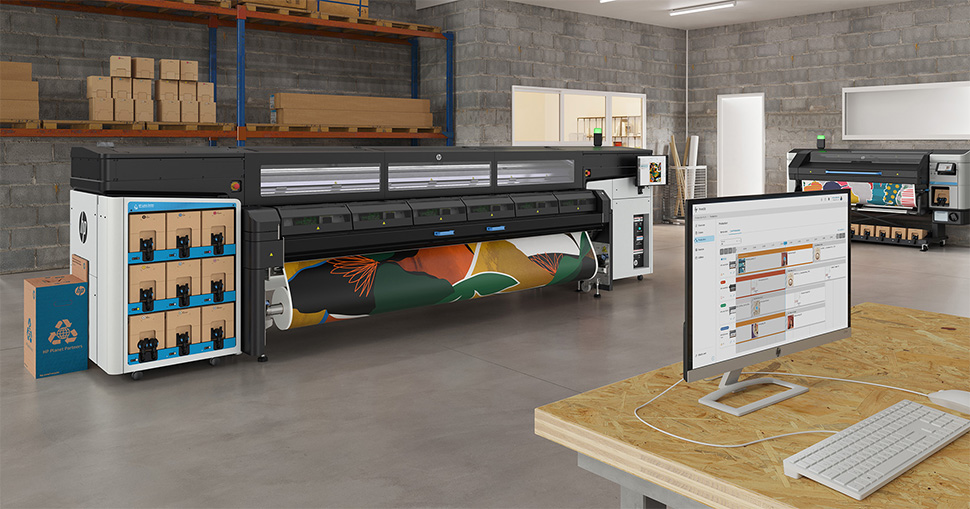
Environmental Factors: Temperature and Humidity
Latex inks are sensitive to environmental changes. High humidity can slow ink drying, while low humidity may cause static and uneven ink distribution. Temperature fluctuations can also affect color density and adhesion. To minimize these issues:
- Maintain a stable print room temperature (typically 20–25°C or 68–77°F).
- Keep relative humidity between 40–60%.
- Allow media to acclimate to room conditions before printing.
Monitoring and controlling your print environment helps reduce color shifts and ensures repeatable results.
Routine Maintenance and Quality Control
Regular printer maintenance is crucial for consistent latex print output. Clean printheads, check for nozzle clogs, and replace consumables as needed. Many latex printers feature automated maintenance routines—use them as recommended. Additionally, implement a quality control process:
- Print color charts or test patterns at the start of each production run.
- Compare output to reference samples or swatches.
- Document any deviations and adjust settings as needed.
Keeping detailed logs of your maintenance and quality checks helps identify trends and prevent recurring issues.
Workflow Tips for Reliable Color Reproduction
Consistency isn’t just about hardware and software—it’s also about workflow discipline. Here are some practical tips:
- Standardize file preparation procedures across your team.
- Use the same RIP settings and profiles for similar jobs.
- Communicate clearly with clients about color expectations and limitations.
- Archive successful print jobs for future reference.
If you’re interested in sustainable and innovative print processes, you may also want to explore our guide to solvent-free printing processes for additional workflow insights.
Common Challenges and Troubleshooting
Even with best practices, you may encounter issues such as color banding, unexpected shifts, or mismatches between screen and print. When troubleshooting:
- Check calibration and profiling first.
- Verify that you’re using the correct media and profiles.
- Inspect ink levels and replace cartridges if needed.
- Review environmental logs for recent changes.
Addressing problems methodically helps you quickly identify and resolve the root cause, minimizing downtime and waste.
FAQ: Color Consistency in Latex Printing
What is the most important step for achieving consistent color in latex prints?
The most critical step is regular calibration of both your monitor and printer. This ensures that colors are displayed and printed as accurately as possible, forming the foundation for all other color management efforts.
How often should I update ICC profiles for my latex printer?
Update ICC profiles whenever you change to a new batch of ink or media, or if you notice color discrepancies. For high-volume environments, reviewing and refreshing profiles every few months is recommended.
Can environmental changes really affect latex print color?
Yes, fluctuations in temperature and humidity can impact ink drying, color density, and adhesion. Maintaining a stable print room environment is essential for consistent results.
Are there differences in color consistency between latex and other printing technologies?
Latex printing offers strong color stability and durability, but like all technologies, it requires careful management. Compared to solvent or UV printing, latex is less prone to fading but can be more sensitive to environmental factors and media variability.
Where can I learn more about advanced print quality techniques?
For deeper insights into achieving high-end results, see our article on how to achieve photographic quality on corrugated flutes.
Mastering how to maintain color consistency in latex prints takes attention to detail, the right tools, and a disciplined workflow. By following these guidelines, you can deliver reliable, vibrant results that meet your clients’ expectations and set your print business apart.




