
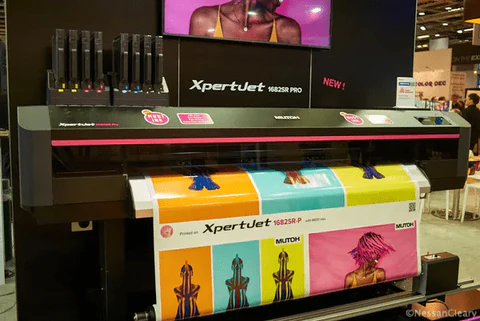

Understanding how to achieve optimal print quality with eco solvent ink is essential for anyone working with wide-format or commercial printers. This guide explores the key factors that influence resolution, color accuracy, and overall output when using eco solvent inks. Whether you’re new to eco-friendly printing or looking to fine-tune your workflow, you’ll find actionable advice here for producing crisp, vibrant prints while maintaining sustainability.
Eco solvent inks have gained popularity due to their lower environmental impact and compatibility with a wide range of substrates. However, achieving the best possible resolution requires more than just loading the right ink. It involves a careful balance of printer settings, media selection, and maintenance practices. For those interested in broader sustainable printing methods, you may also want to review our guide to solvent-free printing processes for additional context.
What Makes Eco Solvent Ink Different?
Eco solvent inks are formulated with mild, biodegradable solvents that emit fewer volatile organic compounds (VOCs) compared to traditional solvent inks. This makes them a preferred choice for indoor graphics, signage, and applications where environmental regulations are strict. Their unique chemistry allows for vibrant color reproduction and good adhesion on coated and uncoated media.
The main difference lies in the balance between environmental safety and print performance. While eco solvent inks are less aggressive than their traditional counterparts, they still deliver excellent durability and weather resistance. However, their performance is closely tied to printer resolution settings and the compatibility of the ink with both the printhead and the chosen substrate.
Key Factors Affecting Print Resolution with Eco Solvent Inks
Achieving sharp, detailed prints with eco solvent inks involves several variables. Here are the most important aspects to consider:
- Printer DPI (Dots Per Inch): Higher DPI settings generally produce finer details, but may slow down print speed and increase ink consumption.
- Media Type: The surface texture and absorbency of the substrate can impact how ink droplets spread and settle, affecting overall sharpness.
- Ink Formulation: Not all eco solvent inks are created equal. Some are optimized for higher resolution, while others prioritize durability or color vibrancy.
- Printhead Technology: Modern piezoelectric printheads can deliver variable droplet sizes, improving both resolution and tonal gradation.
- Environmental Conditions: Humidity and temperature can influence ink drying times and dot gain, especially with eco-friendly formulations.
Careful calibration of these elements ensures that your prints are both visually impressive and consistent from job to job.
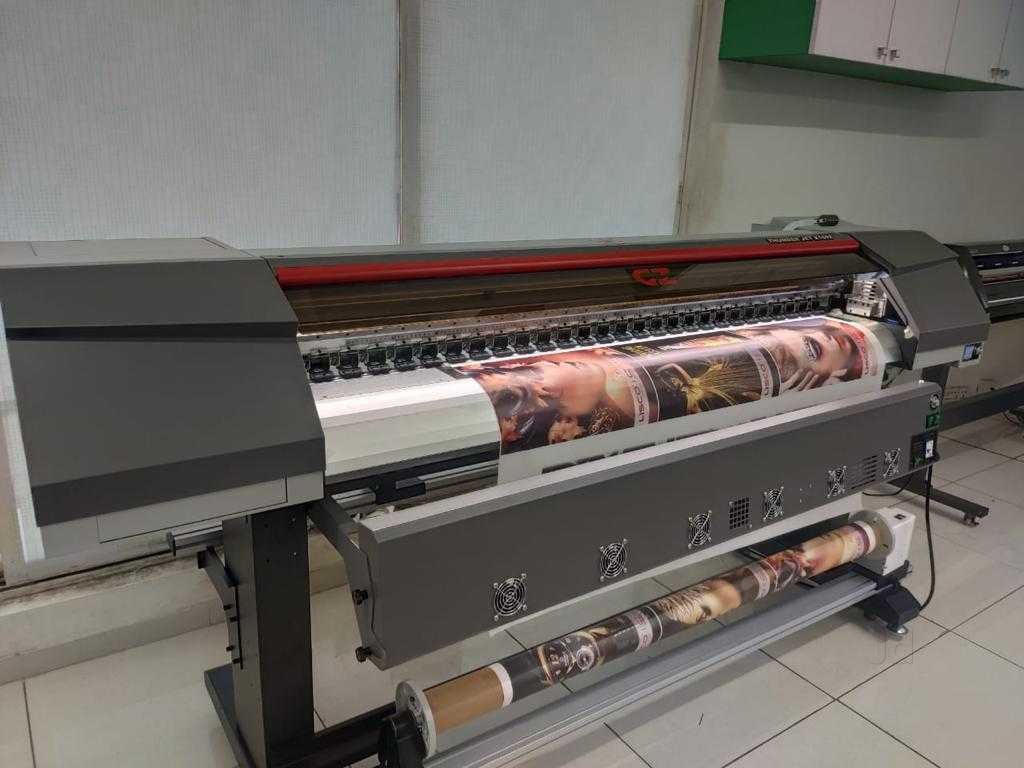
Optimizing Printer Settings for Maximum Clarity
To get the most from your eco solvent ink system, it’s important to adjust your printer’s settings based on the intended application and media. Here are some practical tips:
- Choose the Right Resolution: For banners and large graphics viewed from a distance, 360–720 DPI is often sufficient. For close-up displays or photographic prints, 1,440 DPI or higher is recommended.
- Use Manufacturer ICC Profiles: Color profiles provided by your ink or media supplier help ensure accurate color and sharpness.
- Adjust Pass Count: Increasing the number of passes can enhance color density and detail, though it will slow down production.
- Test and Calibrate Regularly: Print test charts to check for banding, color shifts, or dot gain, and recalibrate as needed.
Consistent maintenance and calibration are essential for sustaining high print quality over time.
Choosing the Right Media for Eco Solvent Printing
The substrate you select plays a crucial role in the final appearance of your prints. Eco solvent inks are compatible with a wide range of materials, including vinyl, canvas, paper, and certain fabrics. However, each substrate interacts differently with ink droplets, affecting both resolution and color vibrancy.
For best results, use media specifically designed for eco solvent printing. These materials typically have coatings that promote sharp dot formation and prevent excessive ink absorption. Always store media in a controlled environment to avoid moisture-related issues that can degrade print quality.
If you’re interested in advanced techniques for specialty packaging or unique substrates, you may also want to explore our article on what is sublimation printing for specialty packaging.
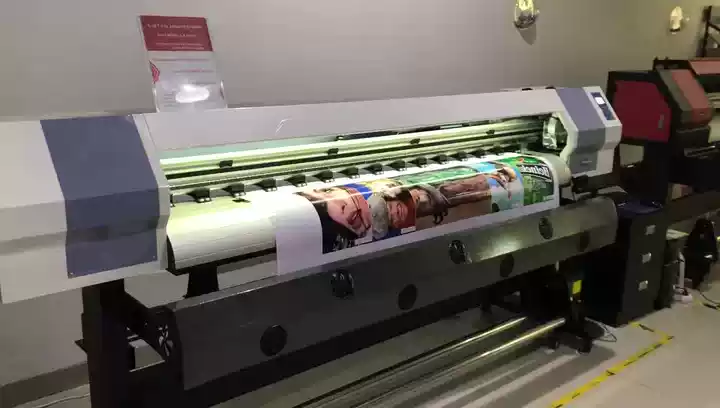
Maintenance Tips for Consistent High-Resolution Output
Even with optimal settings and premium media, regular printer maintenance is essential for achieving the best results with eco solvent inks. Here’s what to keep in mind:
- Clean Printheads Frequently: Eco solvent inks can dry out if left unused, leading to clogs and reduced print quality. Follow your printer’s recommended cleaning schedule.
- Monitor Ink Levels: Running low on ink can cause color inconsistencies and banding.
- Check for Nozzle Blockages: Use built-in test patterns to identify and resolve any nozzle issues before starting important print jobs.
- Store Inks Properly: Keep ink bottles sealed and away from direct sunlight or extreme temperatures to preserve their chemical integrity.
Preventive care extends the life of your printer and ensures every print meets your quality standards.
Comparing Eco Solvent Ink Resolution to Other Printing Technologies
When evaluating print quality, it’s helpful to compare eco solvent output to other ink systems. While aqueous and UV-curable inks can offer extremely high resolutions, eco solvent inks strike a balance between durability, environmental safety, and visual clarity.
For example, eco solvent prints are generally more resistant to scratching and fading than aqueous prints, making them suitable for outdoor use. While UV-curable inks can match or exceed eco solvent resolution, they often require specialized equipment and may not be as versatile on flexible media.
For a deeper dive into the environmental and technical differences, see this comprehensive overview of eco solvent printing.
Common Challenges and How to Overcome Them
Even experienced print operators encounter issues when aiming for the highest possible resolution with eco solvent inks. Here are some frequent challenges and solutions:
- Banding: Often caused by clogged nozzles or incorrect pass settings. Regular cleaning and calibration can minimize this effect.
- Color Shifts: Ensure you’re using the correct ICC profiles and that inks are within their shelf life.
- Ink Bleed: Select media with appropriate coatings and avoid excessive ink saturation.
- Drying Issues: Adjust heater settings or increase drying time, especially in humid environments.
Addressing these problems promptly helps maintain consistent, high-quality output.
FAQ: Eco Solvent Ink and Print Resolution
What is the ideal resolution for eco solvent printing?
The best resolution depends on the viewing distance and application. For large-format banners, 360–720 DPI is usually adequate. For photographic or close-up work, aim for 1,440 DPI or higher to capture fine details.
Can I use eco solvent inks on any printer?
No, eco solvent inks are designed for printers with compatible printheads and ink delivery systems. Always check your printer’s specifications before switching ink types to avoid damage or poor performance.
How do I prevent printhead clogs with eco solvent ink?
Regular cleaning and running nozzle checks are key. If your printer will be idle for extended periods, follow manufacturer guidelines for storage and maintenance to prevent ink from drying in the printhead.
Conclusion
Getting the most out of your eco solvent ink setup requires an understanding of how resolution, media, and printer maintenance all work together. By following the recommendations in this article, you can consistently achieve sharp, vibrant prints while supporting more sustainable printing practices. For those interested in exploring additional innovations in print technology, check out our article on innovations in oxygen scavenger labels for extended shelf life packaging.




