
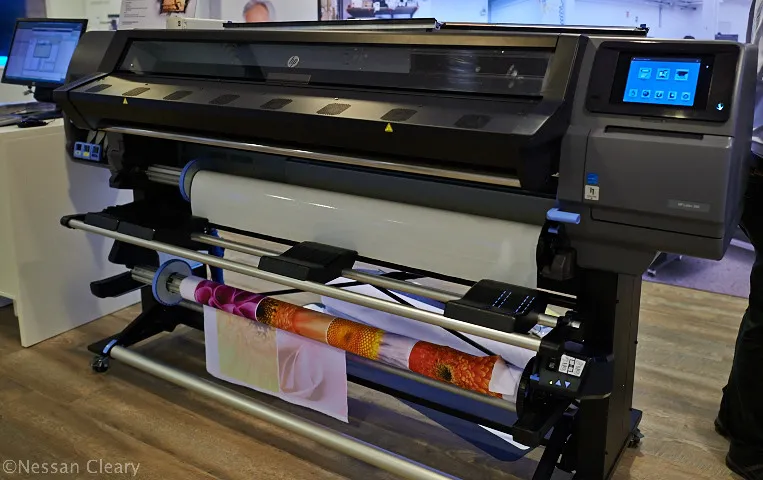

Latex printers have become a cornerstone in the world of wide-format and specialty printing, offering flexibility, vibrant color, and eco-friendly output. However, to keep these advanced machines running smoothly and producing the best results, regular firmware updates for latex printers are essential. Many print professionals overlook this crucial maintenance step, not realizing that outdated firmware can lead to performance issues, compatibility problems, and even security vulnerabilities.
Understanding the role of firmware in your latex printer is key to maximizing uptime, print quality, and overall productivity. In this article, we’ll explore how keeping your device’s software up to date can directly impact your print business and why it should be part of your regular maintenance routine. For those interested in broader sustainable printing practices, our guide to solvent-free printing processes offers additional insights into eco-conscious production.
Understanding Firmware in Latex Printers
Firmware is the embedded software that controls the hardware functions of your latex printer. Unlike drivers or applications on your computer, firmware operates at a low level, managing everything from printhead movement to ink delivery and media handling. Manufacturers regularly release updates to address bugs, enhance features, and improve compatibility with new materials or operating systems.
For latex printers, these updates can be particularly important. As printing technology evolves, new substrates, inks, and workflows are introduced. Updated firmware ensures your printer can handle these changes efficiently, maintaining both quality and reliability.
Key Benefits of Keeping Firmware Up to Date
Regularly installing the latest firmware brings several advantages that directly affect your latex printer’s performance:
- Enhanced Print Quality: Updates often include improved color management, more precise ink delivery, and better media profiles, resulting in sharper, more consistent output.
- Increased Reliability: Bug fixes and optimizations reduce the risk of unexpected errors, print failures, or downtime.
- Expanded Compatibility: New firmware versions support additional substrates, updated RIP software, and the latest operating systems, keeping your workflow flexible.
- Security Improvements: As printers become more connected, firmware updates address vulnerabilities that could put your network or sensitive print jobs at risk.
- Longer Equipment Lifespan: By ensuring smooth operation and reducing wear caused by software glitches, updates help extend the useful life of your investment.
How Firmware Updates Influence Print Quality and Efficiency
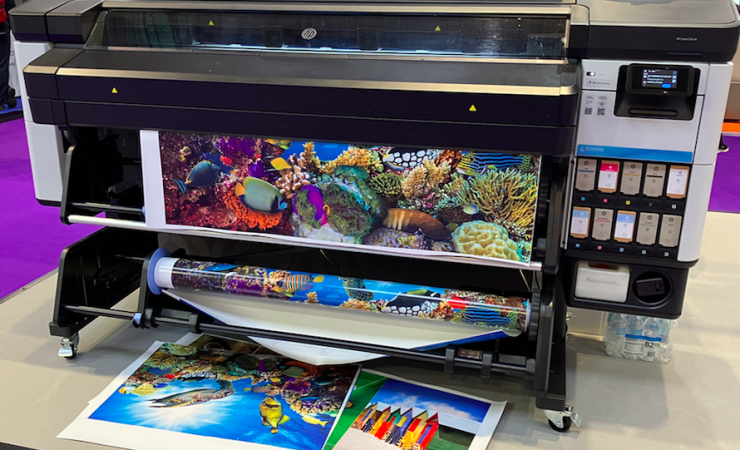
One of the most tangible impacts of firmware updates is on print quality. Manufacturers continually refine printhead algorithms, color calibration routines, and drying profiles. By updating your latex printer’s firmware, you ensure access to the latest improvements, which can mean:
- More accurate color reproduction, especially when working with new ink sets or substrates
- Reduced banding, streaking, or other print artifacts caused by outdated control logic
- Optimized curing and drying times for different media, leading to faster turnaround without sacrificing quality
Efficiency gains are also significant. Updated firmware can streamline warm-up cycles, speed up print processing, and reduce the likelihood of jams or misfeeds. This means less waste, lower operating costs, and more predictable delivery schedules for your clients.
For a deeper look at the advantages of latex printing technology, see this overview of latex printing benefits from industry experts.
Security and Connectivity: An Overlooked Aspect
Modern latex printers are often networked, allowing for remote job submission, monitoring, and integration with workflow software. This connectivity, while convenient, introduces potential security risks. Outdated firmware can leave your printer vulnerable to unauthorized access or malware, especially if it’s exposed to the internet or a large internal network.
Manufacturers regularly patch security holes in their firmware. By keeping your device updated, you help protect sensitive client data and maintain compliance with IT policies. This is particularly important for print shops handling confidential materials or operating in regulated industries.
Best Practices for Updating Your Latex Printer Firmware
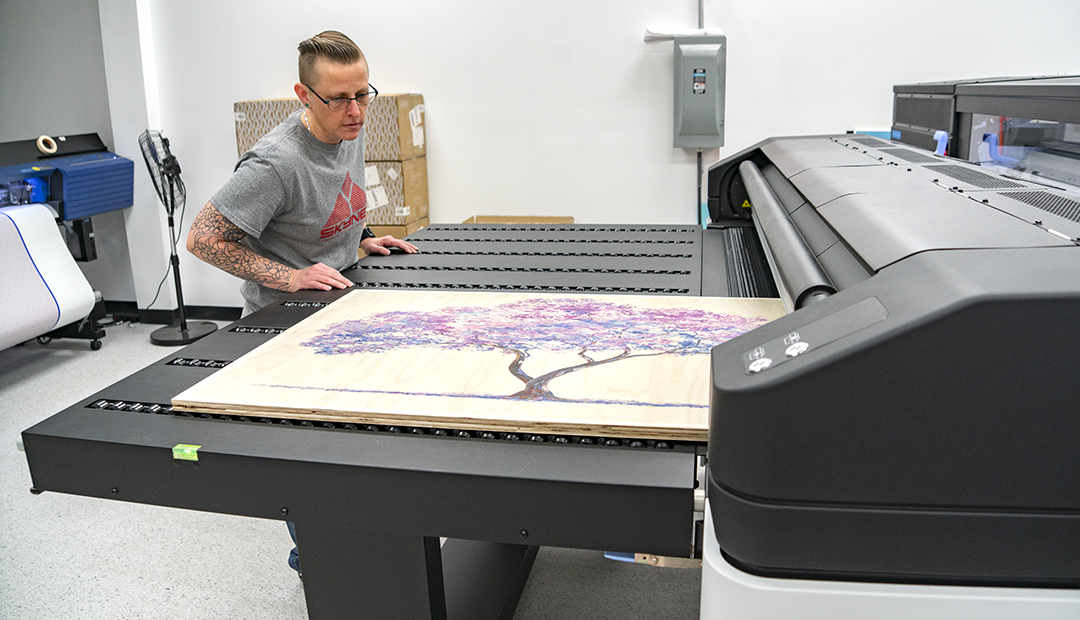
To get the most out of your latex printer and avoid potential issues, follow these best practices when managing firmware updates:
- Check Manufacturer Support: Visit your printer manufacturer’s website regularly or subscribe to update notifications. Major brands provide detailed instructions and release notes for each firmware version.
- Schedule Updates During Downtime: Firmware updates can require a restart or short period of unavailability. Plan updates outside of peak production hours to minimize disruption.
- Backup Settings: Before updating, back up your printer’s configuration and custom media profiles. This ensures you can quickly restore settings if needed.
- Read Release Notes: Review what’s new or changed in each update. Some firmware releases may introduce new features or require additional steps for full compatibility.
- Test After Updating: Run a test print and check all key functions after the update. Confirm that color, alignment, and connectivity are as expected.
By making firmware management part of your regular maintenance routine, you can avoid many common pitfalls and keep your latex printer operating at its best.
Integrating Firmware Updates into a Broader Maintenance Strategy
While keeping firmware current is crucial, it’s just one part of a comprehensive maintenance plan. Regular cleaning, calibration, and the use of high-quality consumables all contribute to consistent results. For those seeking to push output quality even further, consider exploring topics like how to achieve photographic quality on corrugated flutes or innovations in specialty packaging.
Combining these practices with timely firmware updates ensures your latex printer delivers reliable, high-quality results for every job.
Frequently Asked Questions
How often should I update my latex printer’s firmware?
It’s recommended to check for firmware updates at least every few months or whenever you notice new features or media support released by the manufacturer. Always update if you encounter bugs or compatibility issues.
Can firmware updates affect my custom media profiles?
In some cases, firmware updates may reset or alter custom settings. Always back up your profiles and settings before performing an update, and verify them after the process is complete.
Are firmware updates safe to perform without technical support?
Most manufacturers design the update process to be user-friendly, with clear instructions. However, if you’re unsure or managing a fleet of printers, consult your IT team or a certified technician to minimize risk.
Conclusion
Staying current with firmware updates for latex printers is a straightforward yet powerful way to protect your investment, boost print quality, and maintain security. By making this a regular part of your workflow, you ensure your equipment is ready for new challenges and opportunities in the fast-evolving world of digital printing.




