
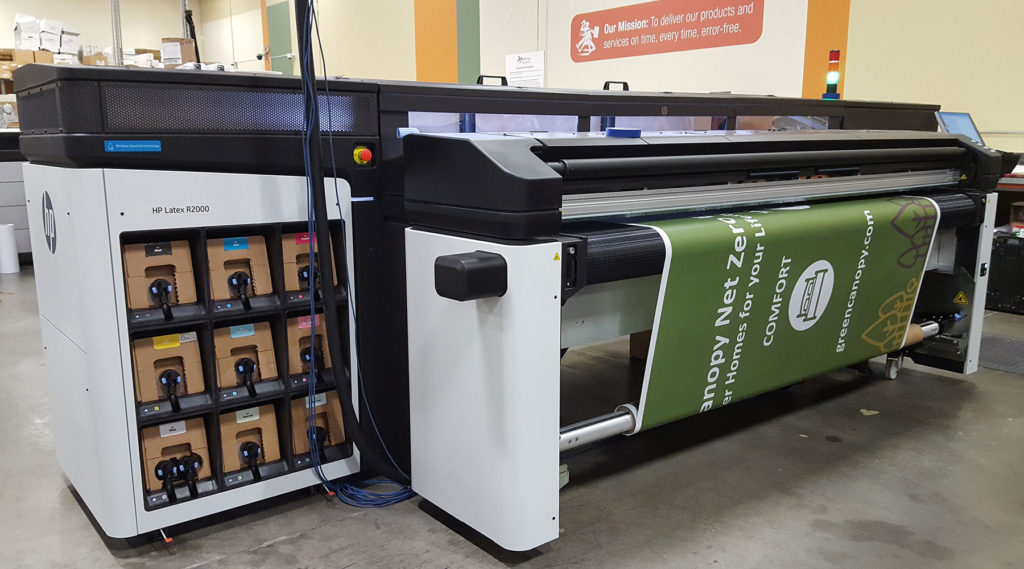

Achieving consistent, high-quality results on latex printers depends on more than just the right hardware and inks. One of the most crucial—and often overlooked—factors is the correct use of media presets in latex printers. These profiles are essential for matching print settings to the specific characteristics of each substrate, ensuring accurate color reproduction, optimal ink usage, and reliable performance across jobs.
Whether you’re printing banners, vehicle wraps, or fine art, understanding how to select and customize these settings can save time, reduce waste, and help you deliver professional results every time. In this article, we’ll break down what media presets are, why they matter, and how to use them effectively for various applications.
For those interested in how digital workflows are transforming packaging, you might also want to explore what is digital prototyping for packaging for insights on speeding up production cycles.
Understanding Media Presets and Their Importance
Media presets are pre-configured sets of parameters that tell your latex printer how to handle a specific type of substrate. These settings include temperature, ink limits, vacuum levels, curing profiles, and color management adjustments. Using the right preset ensures that the printer lays down ink correctly, cures it at the proper temperature, and maintains color accuracy for the chosen material.
Without the correct preset, you risk issues such as color shifts, banding, poor adhesion, or even damage to the substrate. This is why manufacturers and third-party providers invest heavily in developing and updating these profiles for a wide range of materials.
Types of Media Presets Available for Latex Printing
Most modern latex printers come with a library of built-in presets for popular substrates like vinyl, canvas, paper, and textiles. These can be further expanded by downloading additional profiles from the manufacturer’s website or creating custom ones tailored to your workflow.
- Factory presets: Standard profiles provided by the printer manufacturer for common substrates.
- Downloaded presets: Profiles made available by media suppliers or third-party developers for specialized materials.
- Custom presets: User-defined settings created by adjusting parameters to suit unique or experimental substrates.
How to Select the Right Preset for Your Substrate
Choosing the correct preset starts with identifying the exact media you’re using. Check the manufacturer’s recommendations for compatible profiles, and always match the preset to the specific brand and product line of your substrate. If you’re using a new or unlisted material, start with a similar preset and fine-tune the settings as needed.
For example, if you’re printing on a new type of self-adhesive vinyl, select a preset designed for that category, then run a test print to evaluate color, adhesion, and drying. Adjust ink limits and curing temperatures if you notice any issues.
Customizing and Creating Your Own Media Profiles
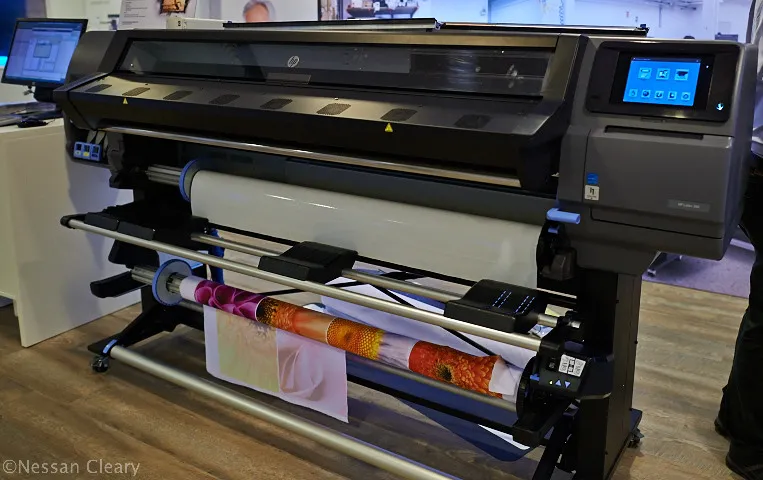
Sometimes, the available presets may not deliver the desired results, especially when working with specialty or unbranded media. In these cases, you can create a custom profile by duplicating an existing preset and adjusting parameters such as:
- Ink density: Lower for thin or coated materials, higher for absorbent substrates.
- Curing temperature: Adjust to ensure ink dries without damaging the media.
- Vacuum strength: Set to hold the substrate flat without causing wrinkles or marks.
- Color calibration: Use a spectrophotometer or monitor calibrator for precise color matching.
After making adjustments, always run a series of test prints and document the settings that yield the best results. Save your custom preset with a clear name for future use.
Best Practices for Managing Media Presets in Latex Printers
Keeping your preset library organized and up to date is key to efficient production. Here are some practical tips:
- Regularly update your printer’s firmware and preset library from the manufacturer’s website.
- Label custom presets with detailed descriptions, including media brand, type, and date created.
- Back up your custom profiles to avoid losing them during software updates or hardware changes.
- Periodically review and remove outdated or unused presets to keep your workflow streamlined.
For a broader comparison of latex and eco-solvent printing technologies, see this in-depth guide on latex vs. eco-solvent printing.
Troubleshooting Common Issues with Print Profiles
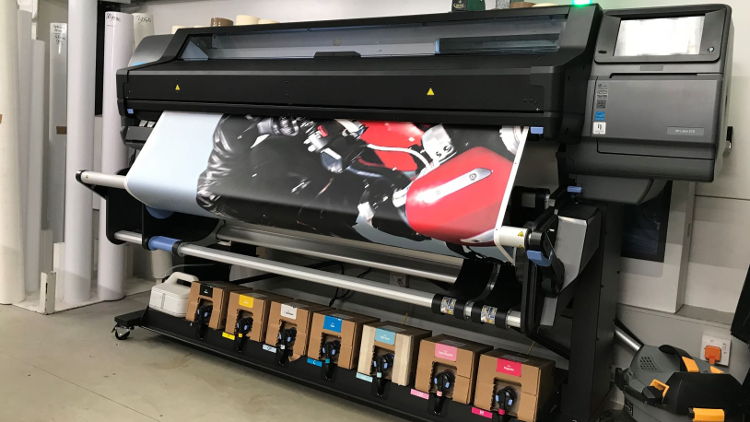
Even with the best preparation, you may encounter problems such as color mismatches, poor ink adhesion, or unexpected drying issues. Here’s how to address some frequent challenges:
- Color inaccuracy: Recalibrate your printer and monitor, and ensure you’re using the correct ICC profile for the media.
- Banding or streaks: Check printhead alignment and cleaning cycles. Try lowering print speed or increasing passes.
- Ink not drying: Raise the curing temperature or reduce ink density. Ensure adequate airflow in the curing zone.
- Media warping: Adjust vacuum settings and ensure the substrate is loaded flat and tensioned properly.
If persistent issues arise, consult your printer’s documentation or reach out to the media supplier for recommended settings.
Integrating Media Presets into a Color Management Workflow
For businesses handling multiple substrates and demanding color accuracy, integrating media presets in latex printers with a robust color management system is essential. This ensures that every print, regardless of material, matches client expectations and brand guidelines.
Consider using cloud-based solutions for color management, which can centralize preset libraries and calibration data across multiple devices and locations. For more details, see the benefits of cloud-based color management for global brands.
FAQ
What are the main benefits of using the correct media preset?
The right preset ensures optimal print quality, accurate color reproduction, and efficient ink usage. It also helps prevent common issues like poor adhesion, color shifts, and substrate damage, leading to more reliable and professional results.
Can I create my own media presets if none are available for my substrate?
Yes, most latex printers allow users to duplicate and modify existing profiles or build new ones from scratch. Adjust parameters such as ink limits, curing temperature, and vacuum strength, then test and save your custom settings for future use.
How often should I update or review my media preset library?
It’s best to review your preset library regularly—at least every few months or whenever you introduce new substrates. Remove outdated profiles, update existing ones as needed, and back up your custom settings to avoid data loss.
Conclusion
Mastering the use of media presets in latex printers is a key step toward achieving consistent, high-quality output and efficient production. By understanding how to select, customize, and manage these profiles, you can handle a wide variety of substrates with confidence and deliver results that meet the highest standards. Stay proactive with updates, calibration, and documentation to keep your workflow running smoothly.




