
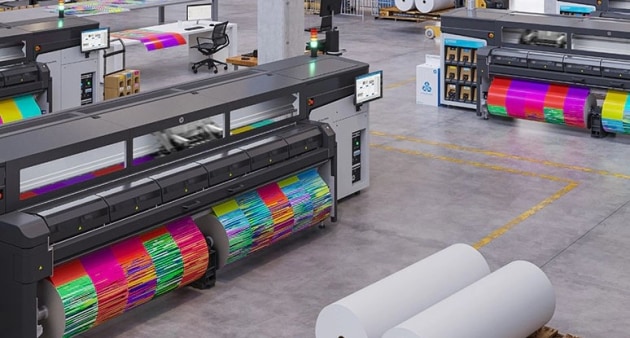

Achieving outstanding results with latex printing requires more than just the right equipment—it demands a thoughtful approach to design, color management, and material selection. Whether you’re producing banners, wall graphics, or packaging prototypes, understanding the best design practices for latex printing is essential for consistent, high-quality output. This article explores proven strategies and technical considerations to help designers and print professionals get the most from their latex print workflows.
As the print industry evolves, latex technology stands out for its versatility, eco-friendliness, and ability to deliver vibrant, durable prints across a wide range of substrates. By following expert guidance on file preparation, color accuracy, and substrate compatibility, you can avoid common pitfalls and ensure your projects look as impressive in reality as they do on screen.
For those interested in how digital prototyping accelerates packaging design, you may want to explore what is digital prototyping for packaging to see how rapid iteration and latex printing combine for faster production cycles.
Understanding Latex Print Technology
Latex printing uses water-based inks cured by heat, making it a preferred choice for applications where environmental impact and indoor air quality are important. Unlike solvent-based systems, latex inks emit low levels of volatile organic compounds (VOCs) and require no special ventilation. This technology is compatible with a broad array of materials, including vinyl, paper, textiles, and specialty films.
The flexibility of latex printers allows for both short-run and high-volume jobs, with quick turnaround times and minimal setup. However, to fully leverage these advantages, designers must tailor their files and workflows to the specific requirements of latex print processes.
File Preparation: Laying the Foundation for Quality
One of the most critical steps in achieving professional latex prints is proper file setup. Start by working in the correct color space—typically CMYK for print—and ensure your document resolution is at least 150–300 dpi at final output size. This prevents pixelation and maintains sharpness, especially for large-format graphics.
- Convert fonts to outlines or embed them to avoid missing text issues.
- Flatten transparencies and expand complex effects to prevent unexpected results during RIP (Raster Image Processing).
- Use vector graphics for logos and line art to ensure scalability and crisp edges.
- Include bleed and safe zones to account for trimming and finishing processes.
For packaging and specialty applications, consider the benefits of cloud-based color management to maintain consistency across multiple locations and devices.
Color Management for Consistent Results
Color accuracy is a frequent challenge in digital printing. To achieve reliable and repeatable colors with latex technology, calibrate your monitor regularly and use ICC profiles tailored to your printer, ink, and substrate combination. This ensures that what you see on screen closely matches the final print.
When preparing artwork, avoid using RGB images, as they can shift unpredictably when converted to CMYK. Instead, design directly in CMYK and use Pantone or spot colors for critical brand elements when possible. Soft proofing and test prints are valuable tools for catching color issues before committing to a full production run.
Choosing the Right Substrate
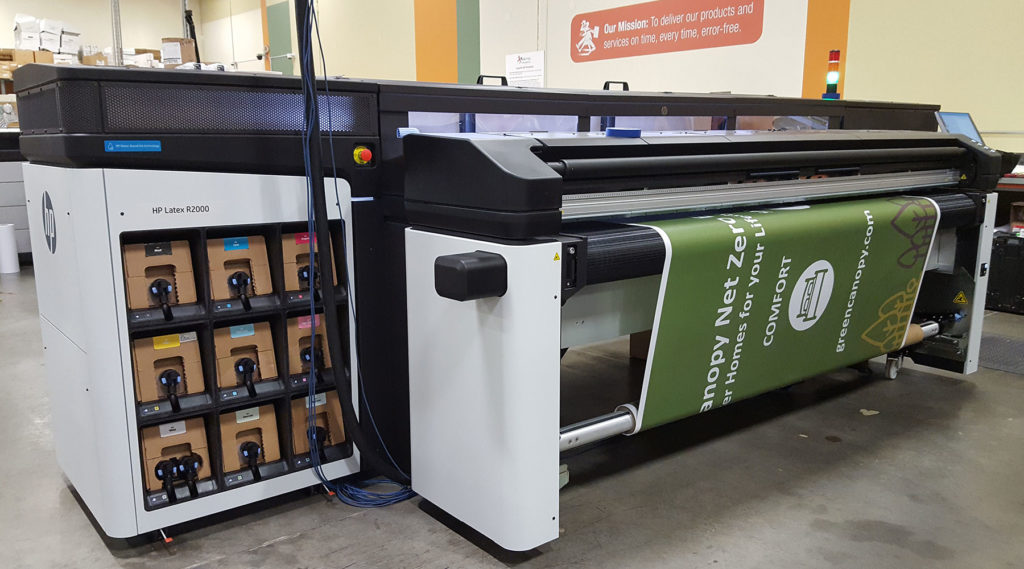
Not all materials perform equally well with latex inks. When selecting substrates, consider ink adhesion, drying time, and intended use. Popular choices include self-adhesive vinyl, canvas, polyester fabrics, and coated papers. Each substrate may require specific print profiles and settings to optimize durability and image quality.
Test new materials before full production, and consult your supplier for recommended print parameters. For applications requiring special effects, such as holographic finishes, review techniques like those described in what is holographic lamination to ensure compatibility with latex technology.
Optimizing Artwork for Large Formats
Large-format latex prints, such as banners and wall murals, demand careful attention to scale, readability, and viewing distance. Use high-resolution imagery and avoid fine details that may be lost when viewed from afar. Keep text large and legible, and maintain strong contrast between foreground and background elements.
When designing for tiling or paneling, add overlap (typically 10–20 mm) to accommodate alignment during installation. Mark cut lines and registration marks clearly, but keep them outside the visible artwork area.
Workflow Tips for Efficient Production
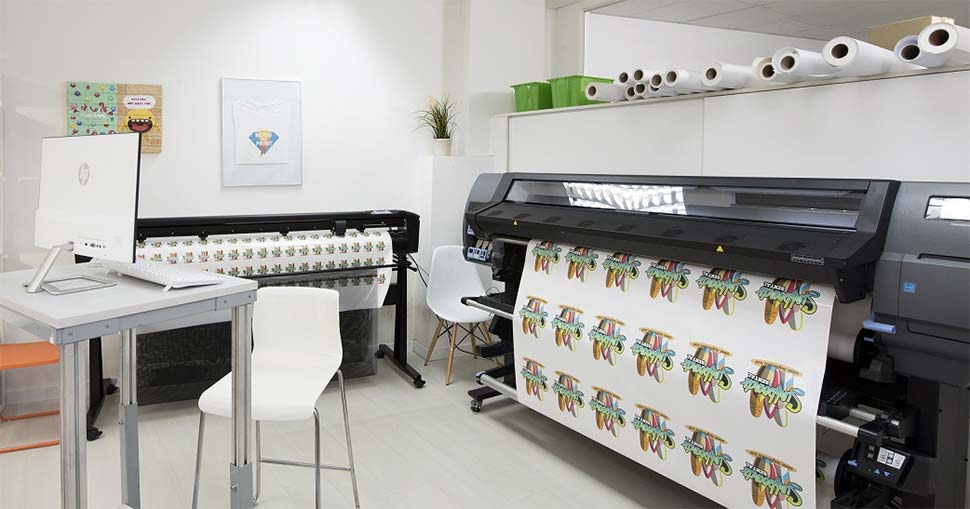
Streamlining your design-to-print workflow saves time and reduces costly errors. Organize files with clear naming conventions and version control. Communicate specifications—such as substrate type, print size, and finishing details—to your print provider upfront.
- Use print-ready PDFs with embedded profiles and marks.
- Preflight files for missing fonts, low-resolution images, and color issues.
- Collaborate with your print partner to review proofs and address technical questions early in the process.
For a deeper dive into how new technologies are shaping print workflows, see the article on benefits of cloud-based color management.
Comparing Print Technologies: Latex vs. UV
While latex printing offers many advantages, it’s helpful to understand how it compares to other digital print methods like UV. Factors such as ink flexibility, curing speed, and material compatibility may influence your choice. For a detailed comparison, visit this comprehensive guide to latex vs. UV printing.
Frequently Asked Questions
What file formats are best for latex printing?
Preferred file formats include PDF/X, TIFF, and high-resolution JPEG. PDFs are especially reliable when they include embedded fonts, images, and color profiles. Always check with your print provider for specific requirements.
How do I ensure accurate color reproduction?
Use a calibrated monitor, design in CMYK, and apply the correct ICC profiles for your printer and substrate. Test prints and soft proofing help catch discrepancies before full production.
Can latex printers handle specialty finishes?
Yes, latex technology is compatible with many specialty substrates and finishing techniques, such as laminates and textured films. However, always verify compatibility and perform test runs, especially for unique applications like holographic lamination.
Conclusion
By applying these best design practices for latex printing, designers and print professionals can achieve vibrant, durable, and consistent results across a wide range of applications. Attention to detail in file preparation, color management, and substrate selection makes all the difference between an average print and a truly professional outcome. Stay informed about evolving technologies and keep refining your workflow to maintain a competitive edge in the print industry.




