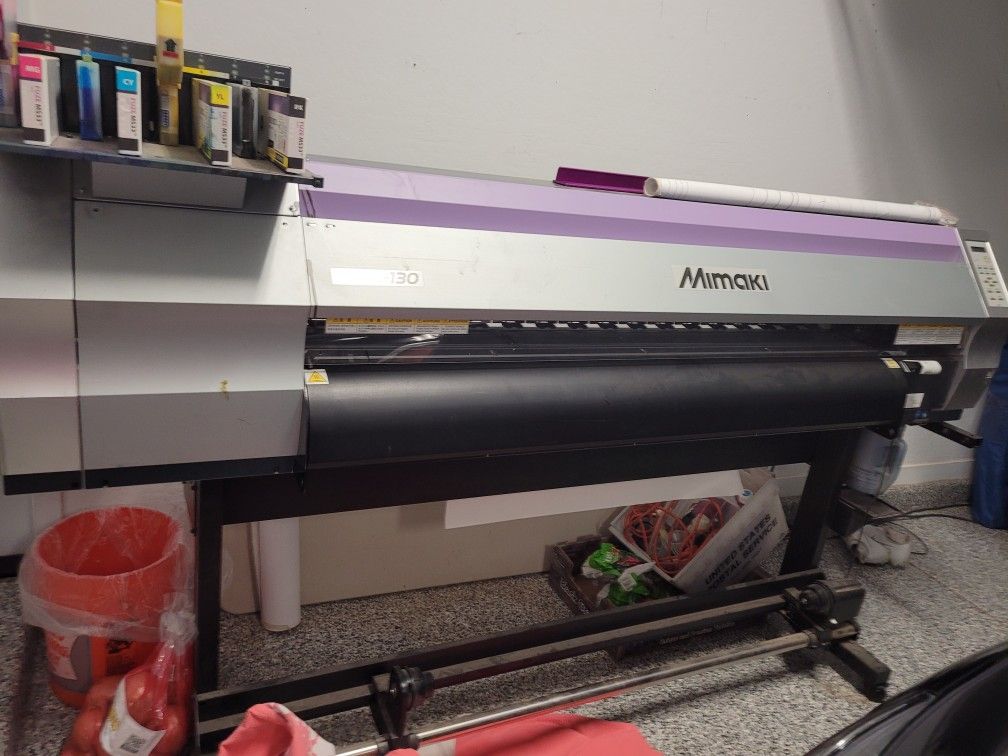

Printing with eco solvent ink offers vibrant results and environmental advantages, but drying issues can disrupt production, cause quality defects, and increase costs. Whether you’re running a wide-format printer for banners, signage, or vehicle wraps, encountering eco solvent ink drying problems can be frustrating and costly. Understanding the causes and solutions helps maintain print quality and workflow efficiency.
This guide explores the most common drying challenges, how to diagnose them, and practical steps to resolve or prevent these issues. We’ll also highlight related concerns like smudging and cracking, and provide resources for deeper troubleshooting.
If you’re also experiencing issues like eco solvent ink cracking or want to learn about sustainable printing, check out our related guides for more in-depth solutions.
Understanding Drying Issues with Eco Solvent Inks
Drying problems with eco solvent inks typically manifest as smudging, tacky surfaces, color bleeding, or incomplete curing. These symptoms can result in wasted materials, reprints, and dissatisfied customers. The root causes often relate to ink formulation, media compatibility, environmental conditions, or printer settings.
- Slow drying leads to prints that remain sticky or easily damaged after printing.
- Uneven drying can cause patchy finishes or color inconsistencies.
- Over-saturation may result in ink pooling or bleeding, especially on non-absorbent substrates.
Common Causes of Ink Not Drying Properly
Several factors can contribute to eco solvent ink drying problems. Identifying the underlying cause is key to effective troubleshooting.
1. Environmental Conditions
Temperature and humidity play a significant role in how quickly eco solvent inks cure. High humidity slows evaporation, while low temperatures can hinder solvent action. Ideally, maintain a print room temperature between 20–28°C (68–82°F) and relative humidity of 40–60%.
2. Media Compatibility
Not all print media is designed for eco solvent inks. Using incompatible vinyl, banners, or films can prevent proper absorption and drying. Always verify that your substrate is rated for eco solvent printing.
3. Ink Formulation and Quality
Low-quality or expired inks may contain solvents that evaporate too slowly or unevenly. Stick to reputable brands and check expiration dates. If you’re looking for reliable supplies, consider options like Buy Eco Solvent Ink.
4. Printer Settings
Incorrect print speed, heater temperatures, or ink limits can all affect drying. Printing too quickly or with insufficient heat may leave ink wet on the surface. Consult your printer’s manual for recommended settings.
5. Ventilation and Airflow
Poor airflow around the printer can trap solvent vapors, slowing down the drying process. Ensure that your workspace is well-ventilated and that fans or exhaust systems are functioning properly.
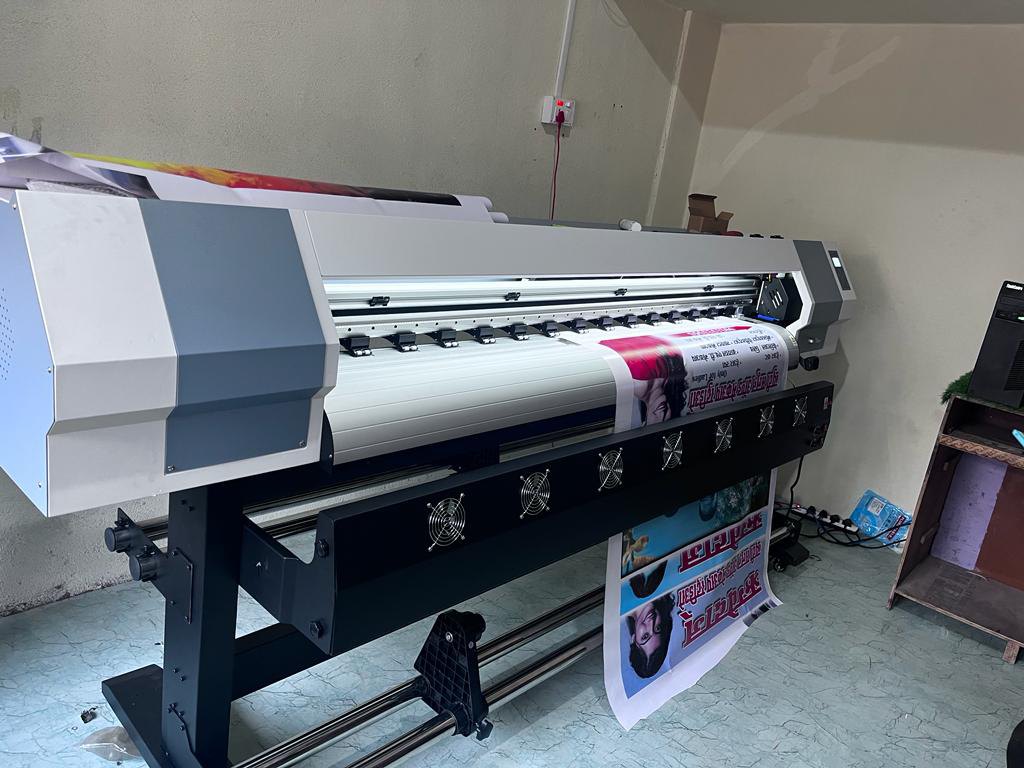
Step-by-Step Troubleshooting for Drying Challenges
When faced with drying issues, follow these steps to isolate and resolve the problem:
- Check Environmental Factors: Measure room temperature and humidity. Adjust HVAC systems or use dehumidifiers if necessary.
- Inspect Media: Confirm that the media is designed for eco solvent printing. Test with a known compatible substrate to rule out media issues.
- Review Ink Quality: Examine ink expiration dates and storage conditions. If possible, test with a fresh batch of ink.
- Adjust Printer Settings: Increase pre-heater and post-heater temperatures within manufacturer guidelines. Reduce print speed if prints remain wet.
- Improve Airflow: Ensure fans and exhaust are operational. Position prints so that air circulates freely around them.
- Test and Observe: Print a small sample after each adjustment to identify which change resolves the issue.
Related Print Quality Issues and Solutions
Drying problems often overlap with other print defects. For example, eco solvent ink smudging problem can occur when ink isn’t fully cured, while banding may result from improper ink limits or head alignment. Addressing drying first often helps minimize these related issues.
For more on sustainability and green printing practices, see our article on eco solvent ink sustainability.
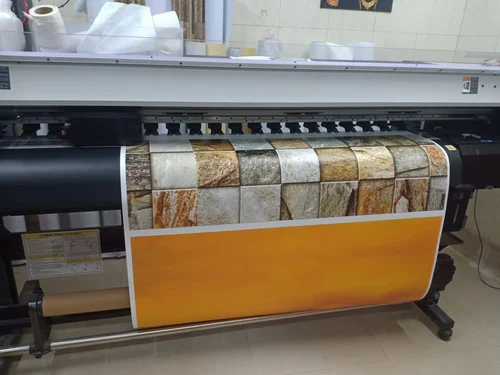
Preventing Future Drying Problems
Proactive maintenance and process control are the best ways to avoid recurring drying issues:
- Store ink and media in climate-controlled environments.
- Regularly calibrate printer heaters and check for firmware updates.
- Use only recommended media and inks for your printer model.
- Monitor environmental conditions, especially during seasonal changes.
- Train staff on proper printer operation and troubleshooting techniques.
For a deeper dive into the benefits and applications of eco solvent printing, especially for backlit banners and advertising, see this comprehensive overview of eco solvent printing in advertising.
FAQ: Eco Solvent Ink Drying Issues
What is the ideal temperature and humidity for drying eco solvent inks?
The recommended environment is 20–28°C (68–82°F) with 40–60% relative humidity. Conditions outside this range can slow drying or cause defects.
Why does my print feel sticky even after several hours?
Sticky prints usually indicate insufficient drying. Check for low heater settings, high humidity, or incompatible media. Also, verify that the ink is within its shelf life.
How can I speed up the drying process without compromising quality?
Increase heater temperatures within safe limits, improve airflow, and use compatible media. Avoid increasing print speed, as this can leave ink uncured.
Can drying problems cause other print defects?
Yes, unresolved drying issues can lead to smudging, color bleeding, and even eco solvent ink banding problem. Addressing drying first often resolves these secondary defects.
Is it safe to use a hair dryer or heat gun to dry prints faster?
Using external heat sources is not recommended, as they can cause uneven drying or damage the media. Rely on your printer’s built-in heaters and proper ventilation for best results.