
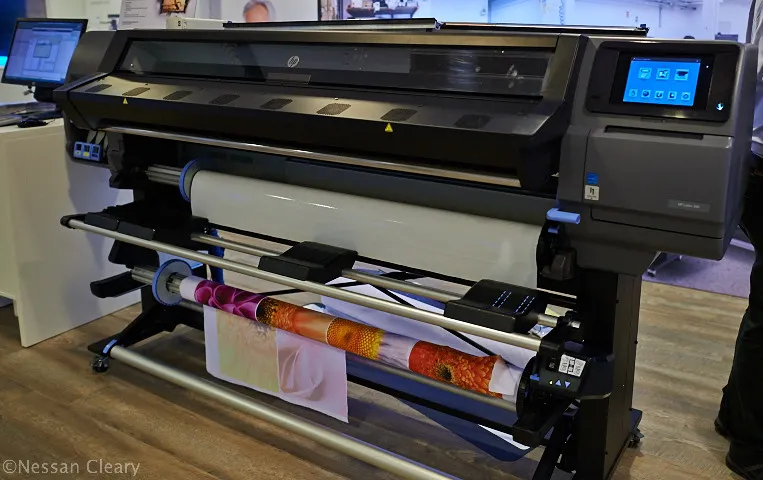

Printing on films using latex ink has become a go-to solution for businesses and print professionals looking to achieve vibrant, durable results on a wide range of specialty substrates. Whether you’re producing window graphics, vehicle wraps, or packaging prototypes, latex technology offers flexibility, eco-friendliness, and impressive color performance. However, working with specialty films requires careful preparation, the right equipment, and a solid understanding of the process to ensure optimal outcomes.
In this guide, we’ll cover the essentials of working with latex ink on specialty films, including material selection, printer setup, color management, and troubleshooting. If you’re interested in how digital prototyping can speed up packaging production, you may also want to explore what is digital prototyping for packaging for additional insights.
Understanding the Basics of Printing on Films Using Latex Ink
Latex ink technology uses water-based formulations that cure at relatively low temperatures, making it suitable for a wide variety of films, including vinyl, polyester, and polycarbonate. The flexibility of latex ink allows it to adhere well to both rigid and flexible substrates, while its durability ensures resistance to fading, scratching, and environmental factors.
Unlike solvent or UV-curable inks, latex formulations are generally more environmentally friendly, emitting fewer volatile organic compounds (VOCs) and requiring less ventilation. This makes them an attractive choice for indoor graphics, retail displays, and sensitive environments.
Choosing the Right Specialty Film for Latex Printing
Not all films are created equal when it comes to compatibility with latex ink. The choice of substrate can have a significant impact on print quality, adhesion, and longevity. Here are some key considerations:
- Surface Energy: Films with higher surface energy (such as certain polyesters) tend to accept ink more readily, resulting in better adhesion and image clarity.
- Coating: Many specialty films are pre-coated to enhance ink receptivity. Always check if your chosen film is certified for latex printing.
- Thickness and Flexibility: Thinner, more flexible films may require careful handling to avoid stretching or wrinkling during the print process.
- Application Requirements: Consider the end use—window graphics, backlit displays, or packaging prototypes may each demand different film characteristics.
For more on innovative finishing techniques, you might find what is holographic lamination helpful, especially if you’re looking to add visual impact to your printed films.
Preparing Your Printer and Workspace
Proper setup is crucial for successful printing on films using latex ink. Begin by ensuring your printer is compatible with the film type and thickness. Cleanliness is key—dust, lint, or oils can interfere with ink adhesion and cause defects.
- Check that the printer’s platen and rollers are free from debris.
- Store films in a clean, climate-controlled environment to prevent static and contamination.
- Allow films to acclimate to room temperature before printing to avoid condensation or curling.
If your workflow involves digital proofing or prototyping, integrating cloud-based color management can help maintain consistency across devices and locations.
Optimizing Print Settings for Films and Latex Ink
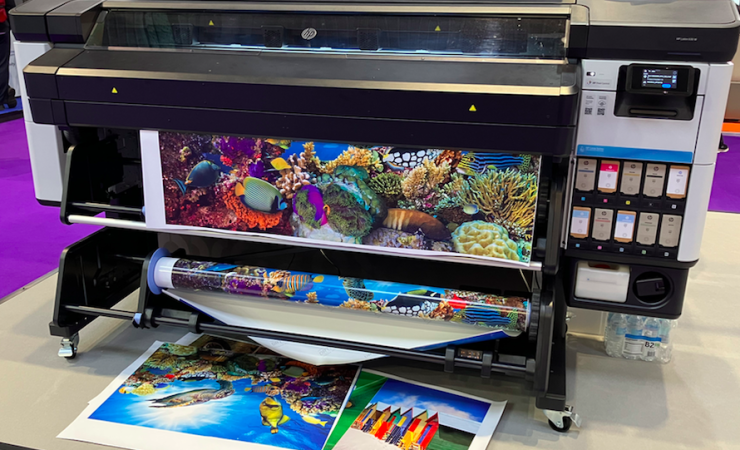
Achieving the best results with latex ink on specialty films requires careful adjustment of print parameters. Here are some tips to optimize your workflow:
- Temperature: Set curing and drying temperatures according to the film manufacturer’s recommendations. Too much heat can cause warping, while insufficient curing may result in poor adhesion.
- Ink Density: Adjust ink limits to prevent oversaturation, which can lead to smudging or slow drying.
- Print Speed: Slower speeds often yield better image quality on films, allowing ink to settle and cure properly.
- Pass Count: Increasing the number of passes can enhance color depth and smoothness, especially on translucent or glossy films.
For a deeper understanding of how latex compares to other technologies, see this comparison of latex vs. UV printing for your specific needs.
Color Management and Calibration for Film Printing
Accurate color reproduction is essential for branding and visual consistency. When working with specialty films, color management becomes even more critical due to the unique surface properties of each substrate.
- Use a spectrophotometer or monitor calibrator to profile your printer and monitor.
- Employ ICC profiles tailored for both your printer and the specific film you’re using.
- Regularly recalibrate your equipment to compensate for environmental changes or media variations.
Investing in a reliable monitor calibrator ensures that what you see on screen closely matches your final output, reducing waste and reprints.
Troubleshooting Common Issues in Film Printing with Latex Ink
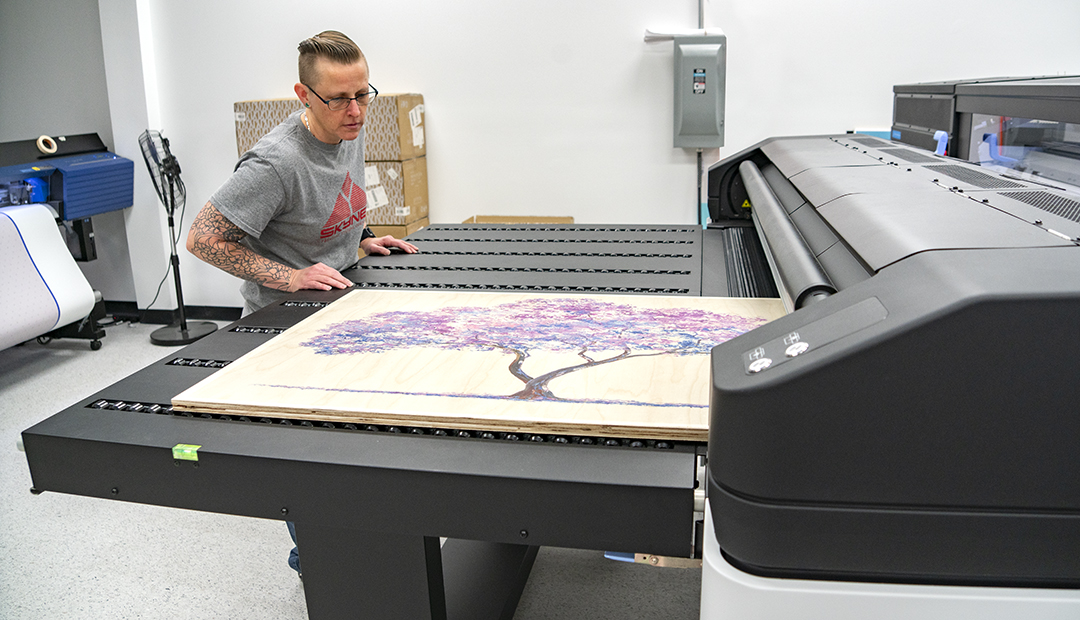
Even with careful preparation, challenges can arise when working with specialty films. Here are some common issues and solutions:
- Poor Adhesion: Ensure the film is compatible and properly cleaned. Increase curing temperature or slow down print speed if necessary.
- Banding or Streaks: Check for clogged nozzles, misaligned printheads, or incorrect media settings.
- Color Inconsistencies: Recalibrate your printer and verify that the correct ICC profile is applied.
- Film Curling or Warping: Reduce curing temperature or allow the film to acclimate longer before printing.
For advanced applications such as electron beam curing, which can further enhance durability, see what is electron beam curing in printing for more information.
Best Practices for Handling and Finishing Printed Films
Once your prints are complete, proper handling and finishing will help preserve quality and extend the life of your graphics:
- Allow prints to cool and fully cure before trimming or laminating.
- Use clean, lint-free gloves to prevent fingerprints or smudges.
- Store finished prints flat or rolled with the image side out to avoid creasing.
- For added protection, consider overlaminating or mounting, especially for outdoor or high-traffic applications.
If your target audience includes younger consumers, you might also be interested in how to design packaging for Gen Z consumers to ensure your graphics resonate with current trends.
Frequently Asked Questions
What types of films are best suited for latex ink printing?
Films such as vinyl, polyester, and certain polycarbonates are commonly used with latex ink. Always check manufacturer compatibility and look for films that are pre-coated or certified for latex printing to ensure optimal results.
How can I prevent ink from smudging or not adhering to the film?
Make sure the film is clean and free from dust or oils. Adjust curing temperatures and print speeds as needed, and use the correct ICC profile for your substrate. If issues persist, consult the film and printer manufacturer for recommended settings.
Is latex ink environmentally friendly compared to other ink types?
Yes, latex ink is water-based and emits fewer VOCs than solvent or UV-curable inks. This makes it a safer and more sustainable choice for indoor graphics and sensitive environments.
Can I use latex ink for outdoor applications on specialty films?
Latex ink provides excellent durability and weather resistance, making it suitable for many outdoor applications. For maximum longevity, consider using overlaminates or protective coatings.
Printing on films using latex ink offers versatility, vibrant color, and durability for a wide range of applications. By selecting the right materials, optimizing your workflow, and following best practices, you can achieve professional results that stand out in today’s competitive print market.




