
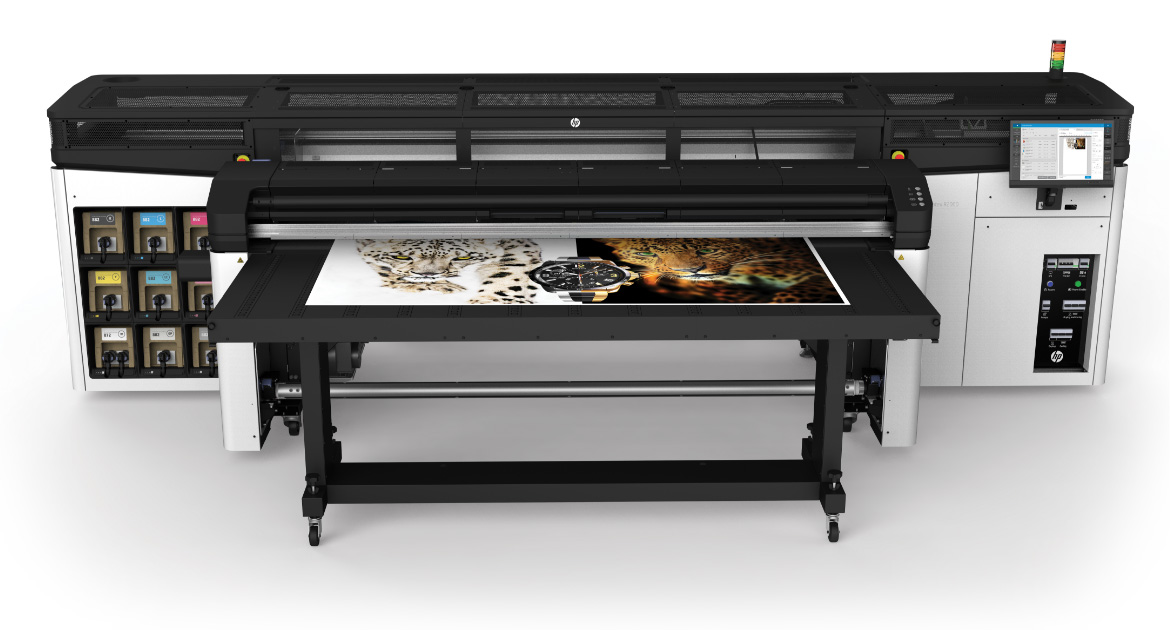

Latex printing has become a popular choice for producing vibrant, durable graphics on a wide range of materials. However, one of the most persistent challenges print professionals face is how to avoid color shifts—those unexpected changes in hue or saturation that can compromise the quality and consistency of a print run. Whether you’re producing signage, packaging, or fine art, maintaining accurate color reproduction is essential for meeting client expectations and ensuring repeat business.
This guide explores practical strategies to minimize unwanted color changes in latex printing. We’ll cover the main causes, best practices for color management, and actionable steps you can take to achieve predictable, high-quality results every time. If you’re interested in broader trends in specialty printing, you may also want to explore trends in wood-grain and natural textures on print for more inspiration.
Understanding Why Color Shifts Happen in Latex Printing
Before diving into solutions, it’s important to understand what causes color inconsistencies in latex print jobs. Several variables can contribute to shifts in color, including:
- Ink formulation: Different batches of ink, or switching between brands, can result in subtle color differences.
- Media variability: Substrates may absorb ink differently, especially if there are coating inconsistencies or if you switch between media types.
- Printer calibration: Over time, printheads and color profiles can drift, leading to unpredictable results.
- Environmental factors: Changes in temperature and humidity can affect ink drying and curing, which in turn impacts color appearance.
- File preparation: Incorrect color spaces or embedded profiles in artwork files can cause mismatches between what you see on screen and what prints.
By identifying which of these factors are most relevant to your workflow, you can take targeted action to reduce the risk of unwanted color changes.
Best Practices for Preventing Color Inconsistencies
Implementing a robust color management workflow is the foundation for avoiding color shifts in latex printing. Here are some of the most effective practices:
- Calibrate your monitor regularly using a hardware calibrator. This ensures that what you see on screen matches the output as closely as possible.
- Use ICC color profiles tailored to your specific printer, ink, and media combination. Most manufacturers provide downloadable profiles for common substrates.
- Standardize your print environment by controlling temperature and humidity in your print room. Consistency here leads to more predictable results.
- Perform routine printer maintenance including nozzle checks and printhead alignments to prevent mechanical causes of color variation.
- Test new media and ink batches with a small proof before running a full job. This helps catch any unexpected changes early.

Color Management Tools and Techniques
Advanced color management goes beyond basic calibration. Consider these techniques to further reduce the risk of color inconsistencies:
- Soft proofing: Use your RIP software’s soft proofing feature to preview how colors will render on your chosen substrate.
- Linearization: Regularly linearize your printer to ensure consistent ink laydown, especially after maintenance or ink changes.
- Custom profiling: For mission-critical jobs, invest in creating custom ICC profiles for your unique printer/ink/media setup. This can dramatically improve color accuracy.
- Consistent lighting: Evaluate prints under standardized lighting conditions (such as D50 or D65) to avoid misjudging colors due to ambient light differences.
For those interested in comparing latex with other print technologies, this detailed comparison of latex vs. UV printing explains the strengths and limitations of each process, which can also affect color outcomes.
Media and Ink Selection: Key Factors in Color Stability
The choice of substrate and ink plays a major role in color reliability. Here’s what to keep in mind:
- Stick with reputable media brands known for consistent coatings and quality control.
- Store media properly to prevent moisture absorption or surface contamination, both of which can alter ink absorption.
- Use genuine latex inks recommended by your printer manufacturer to ensure compatibility and color accuracy.
- Document your settings for each media type and ink batch, so you can quickly replicate successful results or troubleshoot issues.
When switching substrates or ink suppliers, always run a color test and adjust your profiles as needed. This proactive approach is one of the most effective ways to avoid color shifts in production.

Workflow Tips for Consistent Results
Establishing a repeatable workflow is crucial for minimizing color variation. Here are some workflow tips:
- Standardize file preparation: Always use the correct color space (typically CMYK for print) and embed profiles in your artwork files.
- Communicate with clients about color expectations and proofing procedures to avoid surprises.
- Keep detailed records of job settings, profiles, and environmental conditions for each print run.
- Schedule regular reviews of your color management process to identify and address any recurring issues.
For those working with specialty substrates, you may find value in this guide to solvent-free printing processes, which covers additional considerations for eco-friendly and specialty print jobs.
Common Pitfalls and How to Address Them
Even with the best practices in place, occasional color issues can arise. Here’s how to troubleshoot the most common pitfalls:
- Unexpected color changes after maintenance: Re-linearize and re-profile your printer after major maintenance or printhead replacement.
- Banding or streaking: Run nozzle checks and clean printheads as needed. Banding can sometimes be mistaken for color shift.
- Color mismatch between jobs: Check that you’re using the same profile, media, and environmental settings as previous runs.
- Inconsistent results across substrates: Create or download specific profiles for each substrate, and avoid using generic settings.
Staying proactive and methodical in your troubleshooting will help you quickly identify the root cause and restore color consistency.
FAQ: Avoiding Color Shifts in Latex Printing
What is the most common cause of color changes in latex print jobs?
The most frequent cause is a mismatch between the printer’s color profile and the actual media or ink being used. Environmental factors and lack of calibration can also contribute.
How often should I calibrate my printer and monitor?
It’s recommended to calibrate your monitor monthly and your printer whenever you change ink, media, or after significant maintenance. Regular calibration is key to avoiding color shifts.
Can I use the same color profile for different substrates?
No, each substrate absorbs ink differently. Always use or create a specific ICC profile for each media type to ensure accurate color reproduction.
Do latex inks fade or change color over time?
Latex inks are designed for durability and UV resistance, but color can still shift if prints are exposed to harsh conditions or if the wrong media is used. Proper storage and display help maintain color fidelity.
Conclusion
Maintaining color accuracy in latex printing requires a combination of the right tools, consistent workflow, and attention to detail. By understanding the variables that cause color changes and implementing the best practices outlined above, you can deliver reliable, high-quality prints that meet client expectations. For further reading on achieving top-tier results with challenging materials, check out our article on how to achieve photographic quality on corrugated flutes.




