
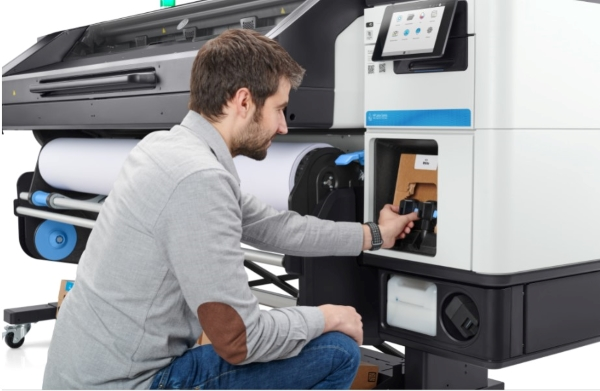

Achieving accurate and consistent color output is a top priority for print professionals using HP latex technology. With the growing demand for vibrant graphics, signage, and packaging, mastering latex printer color management is essential for meeting client expectations and maintaining a competitive edge. This guide explores practical strategies, calibration tools, and workflow tips tailored to HP latex devices, helping you deliver reliable results across a range of substrates and applications.
For those interested in related innovations, understanding what is digital prototyping for packaging can further enhance your print production workflow by enabling faster iterations and improved accuracy.
Understanding HP Latex Printing and Color Challenges
HP latex printers use water-based latex inks, offering a unique balance of eco-friendliness, durability, and flexibility. These devices are widely adopted for producing indoor and outdoor graphics, vehicle wraps, and retail displays. However, the nature of latex inks and the diversity of substrates present specific color management challenges, such as:
- Variations in ink absorption across different media types
- Environmental factors like temperature and humidity affecting color stability
- Consistency between print runs and across multiple printers
- Matching on-screen colors to final output
To address these issues, a robust color management workflow is necessary, combining hardware calibration, software profiling, and process control.
Key Components of Latex Printer Color Management
Effective color control in latex printing environments relies on several core elements. Each step in the workflow contributes to predictable, repeatable results.
Monitor Calibration and Soft Proofing
The process begins at the design stage. Calibrating your monitor ensures that what you see on screen closely matches the printed output. Use a dedicated monitor calibrator to set accurate color temperature, brightness, and gamma. This step minimizes surprises and reduces costly reprints.
Media Profiling and ICC Profiles
Every substrate interacts differently with latex inks. Creating or downloading the correct ICC profile for your media is crucial. These profiles describe how colors should be reproduced on a specific material, compensating for absorption and reflectivity. HP provides a library of downloadable profiles, but for critical jobs, consider generating custom profiles using a spectrophotometer.
Printer Linearization and Calibration
Linearization aligns the printer’s ink output to a neutral baseline, ensuring smooth gradations and accurate color reproduction. Most HP latex models include built-in calibration routines. Regularly run these processes, especially after changing ink cartridges or media types, to maintain consistency.
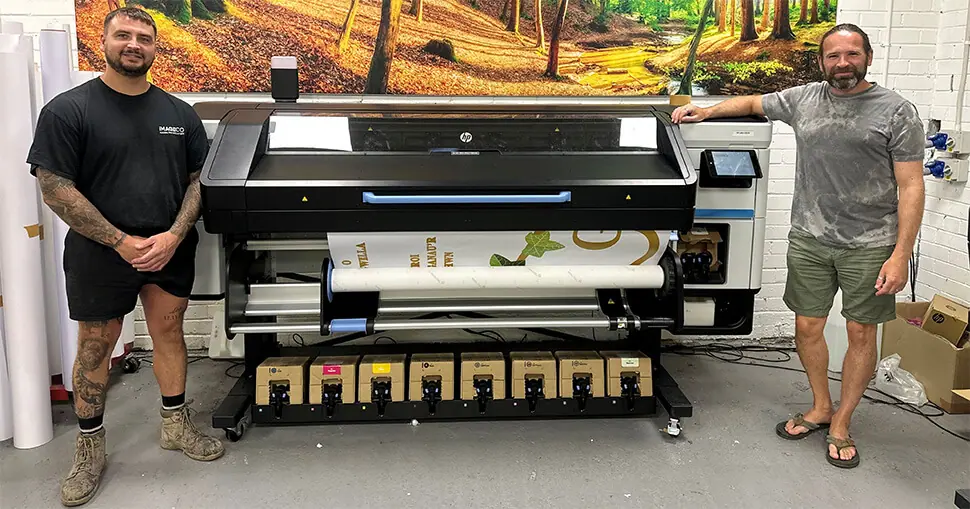
Best Practices for Reliable Color Output
To get the most from your latex printer’s color capabilities, follow these proven techniques:
- Standardize your workflow: Use the same settings, profiles, and calibration routines across all jobs and operators.
- Control your environment: Maintain stable temperature and humidity in your print room to minimize color shifts.
- Use high-quality media: Inferior substrates can introduce unpredictable color variations.
- Routinely update firmware and RIP software: Manufacturers often release improvements that enhance color accuracy and compatibility.
- Document your settings: Keep records of profiles, calibration dates, and job parameters for easy troubleshooting and repeatability.
Advanced Tools and Software for Latex Printer Color Management
Many print shops leverage advanced solutions to streamline their color workflows. Dedicated RIP (Raster Image Processor) software, such as ONYX or Caldera, offers powerful color management modules. These tools allow for:
- Automated ICC profile selection based on media
- Spot color matching and simulation
- G7 and ISO compliance for standardized output
- Batch processing and job presets for efficiency
For organizations managing multiple locations or brands, benefits of cloud-based color management include centralized control, faster deployment of profiles, and improved quality assurance.
Common Pitfalls and How to Avoid Them
Even with the best equipment, mistakes can happen. Here are some frequent issues and solutions:
- Incorrect profile selection: Always verify that the ICC profile matches both the printer model and the specific media.
- Skipping calibration: Neglecting regular printer calibration leads to color drift over time.
- Ignoring environmental changes: Seasonal shifts can alter print behavior. Monitor and adjust as needed.
- Poor communication with clients: Set clear expectations about achievable colors, especially for spot colors or brand-critical hues.
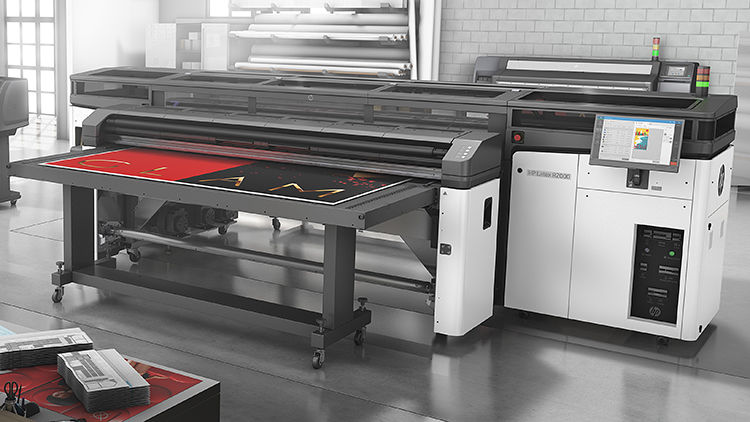
Integrating Latex Printing with Other Print Technologies
Many print providers operate a mix of equipment, including solvent, UV, and digital presses. Aligning color across these devices requires careful management. Use shared color standards (such as GRACoL or FOGRA), and synchronize profiles and calibration schedules. For advanced finishing effects, you might explore what is holographic lamination to add visual impact while maintaining color fidelity.
Resources for Further Learning
To deepen your understanding of latex ink technology and its benefits, see this comprehensive explanation of latex printing. Staying informed about new developments in print technology ensures your shop remains efficient and competitive.
FAQ
How often should I calibrate my HP latex printer?
For optimal results, calibrate your printer whenever you change media, install new ink cartridges, or notice color inconsistencies. Many professionals perform a quick calibration at least once a week to maintain stability.
Can I use generic ICC profiles for all substrates?
While generic profiles may work for some standard media, custom ICC profiles tailored to each substrate provide the most accurate color reproduction. Always test and validate profiles before running high-value jobs.
What role does the RIP software play in color management?
The RIP software interprets design files and manages color conversion, profile application, and print settings. Advanced RIPs offer tools for spot color matching, proofing, and automated workflow, making them essential for consistent results.
How can I ensure color consistency across multiple HP latex printers?
Standardize your calibration routines, use identical media and profiles, and synchronize environmental conditions. For distributed locations, consider cloud-based solutions for centralized profile management.
Where can I learn more about new print technologies?
Explore topics such as what is electron beam curing in printing or how to design packaging for Gen Z consumers to stay up to date with the latest trends and techniques in the print industry.




