
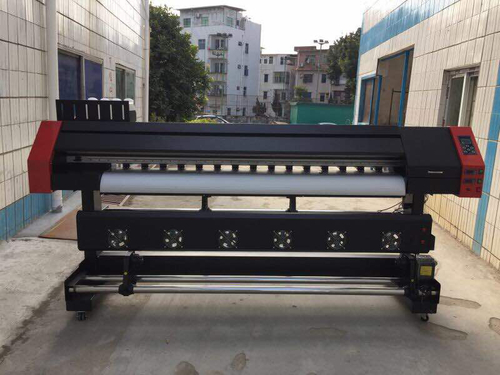

Printing with eco solvent inks offers vibrant colors and durability, making it a popular choice for banners, signage, and specialty packaging. However, even the best setups can encounter issues that affect print quality. Understanding common eco solvent ink print defects and knowing how to troubleshoot them is essential for maintaining professional results and minimizing downtime.
This guide covers the most frequent problems faced by print operators, practical steps to diagnose and resolve them, and tips to prevent future issues. Whether you’re running a busy print shop or managing in-house production, these insights will help you achieve consistent, high-quality output.
For those interested in advanced substrate techniques, you may also want to explore how to achieve photographic quality on corrugated flutes for even more print versatility.
Recognizing Common Print Quality Issues
Identifying the type of print defect is the first step toward a solution. Here are some of the most frequent issues encountered with eco solvent ink systems:
- Banding: Visible horizontal lines or stripes across the print, often due to clogged nozzles or inconsistent media feed.
- Color Shifts: Unexpected color changes, typically caused by ink supply problems, incorrect profiles, or incompatible media.
- Ink Smudging or Bleeding: Blurred edges or ink spreading, usually resulting from improper drying, excessive ink laydown, or unsuitable substrates.
- Missing or Faded Areas: Gaps or pale sections in the print, often linked to blocked printheads or low ink levels.
- Dot Gain and Overspray: Unintended ink dots or fuzzy details, which may be due to incorrect printhead height or environmental factors.
Diagnosing Eco Solvent Ink Print Defects
Once a defect is spotted, systematic troubleshooting helps pinpoint the cause. Use the following approach to diagnose and address issues efficiently:
- Print a Nozzle Check Pattern: Most printers offer a built-in test to reveal clogged or misfiring nozzles. If the pattern is incomplete, cleaning cycles may be needed.
- Inspect the Media: Ensure the substrate is compatible with eco solvent inks and is loaded correctly. Warped or dusty media can cause feeding problems and image distortion.
- Check Ink Levels and Expiry: Low or expired ink can lead to color inconsistencies and fading. Replace cartridges as needed and store ink according to manufacturer guidelines.
- Review Environmental Conditions: Temperature and humidity affect ink drying and adhesion. Maintain a stable print room environment for optimal results.
- Update or Reinstall Print Profiles: Incorrect or outdated ICC profiles can result in color shifts and poor image reproduction. Always use profiles recommended for your ink and media combination.
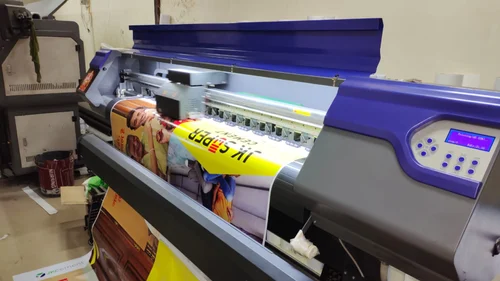
Banding and Streaks: Causes and Solutions
Horizontal banding is a common frustration in eco solvent printing. It can be caused by:
- Clogged Printheads: Regular maintenance and cleaning cycles are essential. If cleaning does not resolve the issue, manual cleaning or professional servicing may be required.
- Incorrect Print Settings: Ensure that the print resolution and speed are appropriate for the media and job type. Slower speeds often yield better quality for detailed graphics.
- Media Feed Issues: Uneven feeding or slippage can create visible lines. Check rollers and ensure the substrate is flat and properly tensioned.
For more maintenance strategies, see these maintenance tips for smoother printer operations and performance.
Color Shifts and Inconsistencies
Unexpected color changes can undermine the impact of your prints. To address color-related eco solvent ink print defects:
- Verify Ink Compatibility: Always use inks recommended by your printer manufacturer. Mixing brands or using expired ink can cause unpredictable results.
- Update Color Profiles: Use the correct ICC profiles for your ink and media. Outdated profiles can lead to inaccurate color reproduction.
- Calibrate Your Printer: Regular calibration ensures consistent color output across different jobs and substrates.
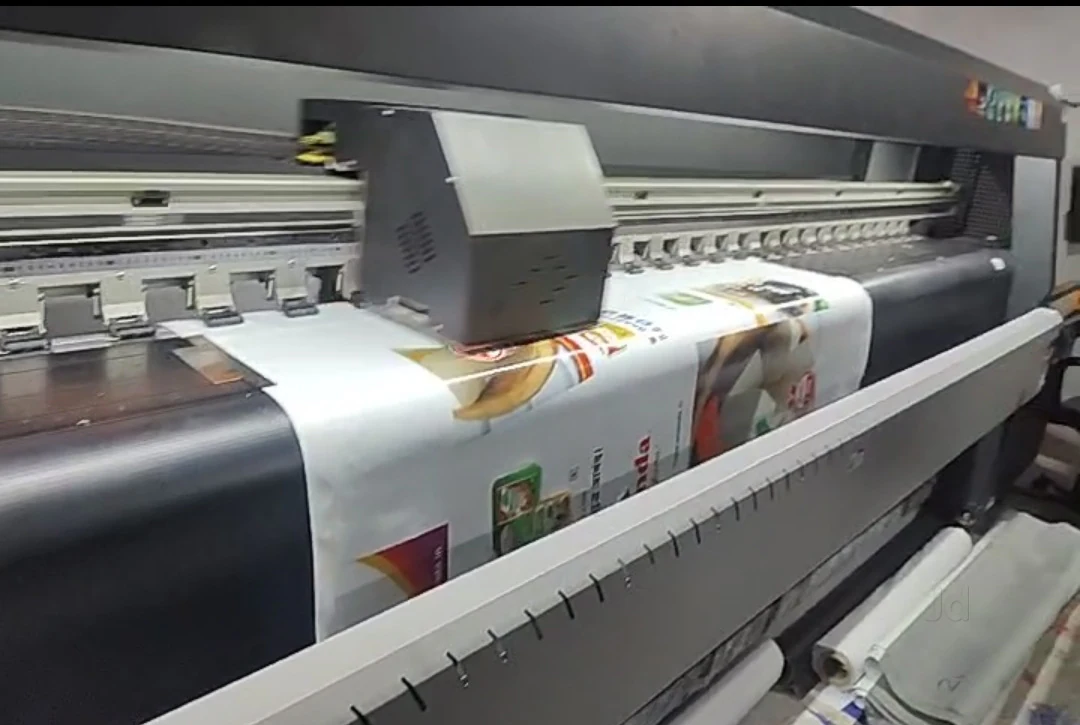
Preventing Ink Smudging and Bleeding
Smudging and bleeding are often linked to drying issues or excessive ink application. To minimize these defects:
- Optimize Drying Settings: Adjust heater or dryer settings to ensure ink cures properly before handling.
- Match Media and Ink: Use substrates designed for eco solvent inks. Some materials may not absorb ink evenly, leading to smudging.
- Control Ink Density: Reduce ink limits in your RIP software if oversaturation is observed.
Faded Prints and Missing Areas
When prints appear washed out or have missing sections, consider these troubleshooting steps:
- Check for Air Bubbles: Air in the ink lines can interrupt flow. Perform a priming cycle to remove bubbles.
- Replace Worn Dampers: Dampers regulate ink delivery. Over time, they can clog or fail, causing inconsistent output.
- Monitor Ink Expiry: Old ink loses vibrancy and adhesion. Always check expiration dates before use.
Environmental and Mechanical Factors
External conditions and hardware wear can also contribute to eco solvent ink print defects:
- Temperature and Humidity: Maintain stable conditions to prevent ink drying too quickly or too slowly.
- Static Electricity: Excess static can cause ink to misfire. Use anti-static devices or wipes on media and equipment.
- Regular Maintenance: Clean capping stations, wipers, and printheads as part of a routine schedule to avoid buildup and blockages.
For those seeking alternatives to solvent-based processes, our guide to solvent-free printing processes offers additional insights.
Best Practices for Consistent Print Quality
Preventive action is the most effective way to avoid downtime and costly reprints. Follow these best practices:
- Schedule Regular Maintenance: Stick to a maintenance routine based on manufacturer recommendations.
- Use Genuine Consumables: Invest in high-quality, compatible inks and substrates.
- Document Settings: Keep records of successful print settings for different media types and jobs.
- Train Staff: Ensure all operators are familiar with troubleshooting procedures and equipment care.
Frequently Asked Questions
What causes horizontal banding in eco solvent prints?
Banding is typically caused by clogged nozzles, incorrect print settings, or uneven media feed. Regular printhead cleaning and ensuring proper substrate loading can help eliminate this issue.
How can I prevent ink smudging on banners and vinyl?
To avoid smudging, use media specifically designed for eco solvent inks, optimize drying settings, and avoid handling prints before they are fully cured.
Why do colors look different from the screen to the final print?
Color discrepancies often result from incorrect or outdated color profiles, monitor calibration issues, or using non-genuine inks. Always use the correct ICC profiles and calibrate your printer regularly for accurate color reproduction.
Conclusion
Addressing eco solvent ink print defects quickly and methodically ensures professional results and extends the life of your equipment. By understanding common issues, following a structured troubleshooting process, and maintaining your printer, you can minimize disruptions and deliver high-quality prints every time.




