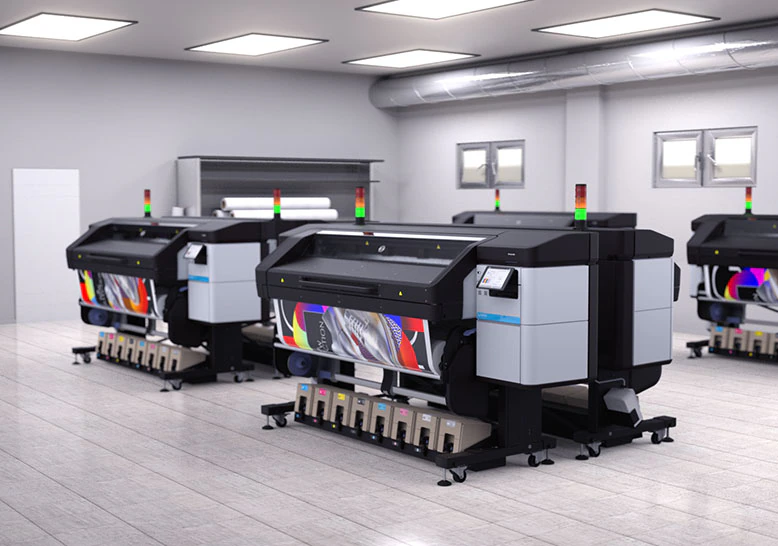

Achieving consistent, high-quality results in latex print production starts well before the ink hits the substrate. The prepress setup for latex printing is a critical phase that determines color accuracy, print durability, and workflow efficiency. Whether you’re producing banners, vehicle wraps, or fine art prints, a systematic approach to prepress ensures that your output meets client expectations and minimizes costly reprints.
This article provides a step-by-step overview of best practices for preparing files, calibrating devices, and optimizing workflows for latex print jobs. You’ll also find practical advice on color management, substrate selection, and troubleshooting common issues. For those interested in rapid prototyping and innovation in print, you may find additional value in learning about what is digital prototyping for packaging and how it can accelerate production timelines.
Understanding the Importance of Prepress in Latex Printing
The prepress stage bridges the gap between digital design and physical output. For latex printers, which use water-based inks cured by heat, meticulous preparation is especially important. Proper prepress setup impacts not just color fidelity but also media compatibility, ink adhesion, and the longevity of the final product.
- Color accuracy: Ensures the printed output matches the designer’s intent.
- Media optimization: Reduces waste by matching profiles and settings to the substrate.
- Production efficiency: Streamlines workflow, reducing errors and rework.
Key Steps in Prepress Setup for Latex Printing
To achieve optimal results, follow these core steps when preparing files and equipment for latex print production:
1. File Preparation and Resolution
Begin by ensuring your artwork is set to the correct dimensions and resolution. For large-format latex prints, a resolution of 150–300 dpi at final size is typically sufficient. Use vector graphics for logos and text to maintain sharpness at any scale.
- Convert all fonts to outlines or embed them in the file.
- Flatten transparencies and expand effects to avoid unexpected results.
- Save files in a print-ready format such as PDF/X-4, TIFF, or EPS.
2. Color Management and ICC Profiles
Accurate color reproduction is a hallmark of professional latex printing. Implementing a robust color management workflow is essential:
- Calibrate your monitor regularly using a hardware calibrator for true-to-life previews.
- Assign the correct ICC profile for your printer, ink, and media combination.
- Embed color profiles in your files to maintain consistency from screen to print.
For organizations managing color across multiple locations, exploring the benefits of cloud-based color management can further enhance accuracy and collaboration.
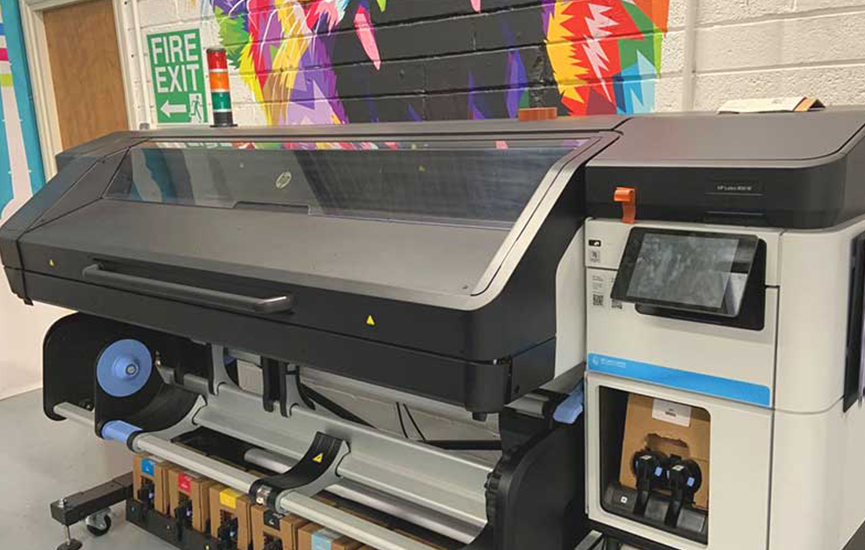
3. Substrate Selection and Print Settings
Not all media behaves the same way under latex inks. Always select the substrate profile that matches your chosen material. This ensures the printer applies the correct ink limits, curing temperatures, and print speeds.
- Consult manufacturer recommendations for compatible substrates.
- Test new materials with small print samples before full production.
- Adjust print modes (e.g., quality vs. speed) based on the application.
4. RIP Software Configuration
The Raster Image Processor (RIP) is the heart of the digital print workflow. Configure your RIP to handle color conversions, nesting, tiling, and step-and-repeat patterns as needed. Double-check that all settings align with your printer’s capabilities and the job requirements.
- Enable overprint preview to catch potential issues with spot colors or transparencies.
- Use the RIP’s preview function to verify layout and orientation before printing.
- Automate repetitive tasks with presets or hot folders for efficiency.
Best Practices for Prepress Setup in Latex Print Workflows
Consistency and attention to detail are key to a reliable prepress setup for latex printing. Here are some proven strategies to streamline your process:
- Standardize file naming conventions to avoid confusion and misprints.
- Maintain a library of tested ICC profiles for your most common substrate and ink combinations.
- Implement a preflight checklist to catch errors before they reach the printer.
- Regularly clean and maintain your printer to prevent nozzle clogs and ensure consistent output.
Common Challenges and How to Overcome Them
Even with a well-structured prepress workflow, certain issues can arise in latex print production. Here’s how to address some of the most frequent challenges:
- Color shifts: If prints don’t match your screen, recalibrate your monitor and verify that the correct ICC profiles are applied throughout the workflow.
- Banding or streaks: This often results from clogged nozzles or incorrect printhead alignment. Perform regular maintenance and run test prints.
- Media curling or wrinkling: Adjust curing temperatures and ensure the substrate is loaded correctly. Some materials may require lower heat settings.
- Unexpected print artifacts: Flatten transparencies and expand effects in your design files to avoid rendering issues in the RIP.
For a deeper dive into the pros and cons of this technology, see this comprehensive overview of latex printing advantages and disadvantages.
Integrating New Technologies into Your Workflow
The print industry is rapidly evolving, with new tools and techniques emerging to further enhance efficiency and creativity. For example, holographic lamination can add visual impact to latex prints, while electron beam curing offers new finishing options. Staying updated on these trends allows print shops to expand their capabilities and offer unique solutions to clients.
FAQ: Prepress and Latex Print Production
What is the ideal file format for latex print prepress?
The most reliable formats are PDF/X-4, TIFF, and EPS. These preserve color profiles, transparency settings, and vector data, ensuring accurate output on large-format latex printers.
How often should I calibrate my monitor and printer?
For consistent color results, calibrate your monitor at least once a month and your printer whenever you change ink, media, or notice color drift. Using a hardware calibrator is recommended for both devices.
Can I use the same ICC profile for different substrates?
No, each substrate absorbs ink and reacts to heat differently. Always use the ICC profile specific to your printer, ink, and media combination to achieve the best color accuracy and durability.
What are the main benefits of a well-structured prepress workflow?
A streamlined prepress process reduces errors, saves time, and ensures that every print meets quality standards. It also minimizes material waste and helps maintain a consistent brand image for clients.
Conclusion
Setting up an effective prepress setup for latex printing is essential for any print service provider aiming for professional results. By focusing on file preparation, color management, substrate selection, and workflow optimization, you can deliver vibrant, durable prints while reducing production headaches. As the industry continues to evolve, staying informed about new technologies and best practices will keep your print operation competitive and efficient.
For further insights on design trends and packaging strategies, you might also explore how to design packaging for Gen Z consumers and how digital tools are shaping the future of print.